


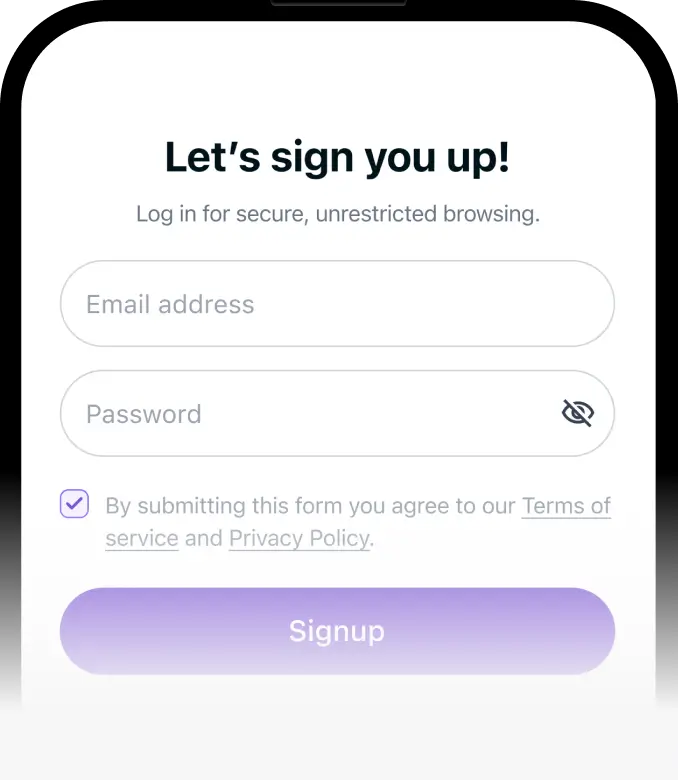
Step 1
Set up PureVPN on your PC, mobile, or console.



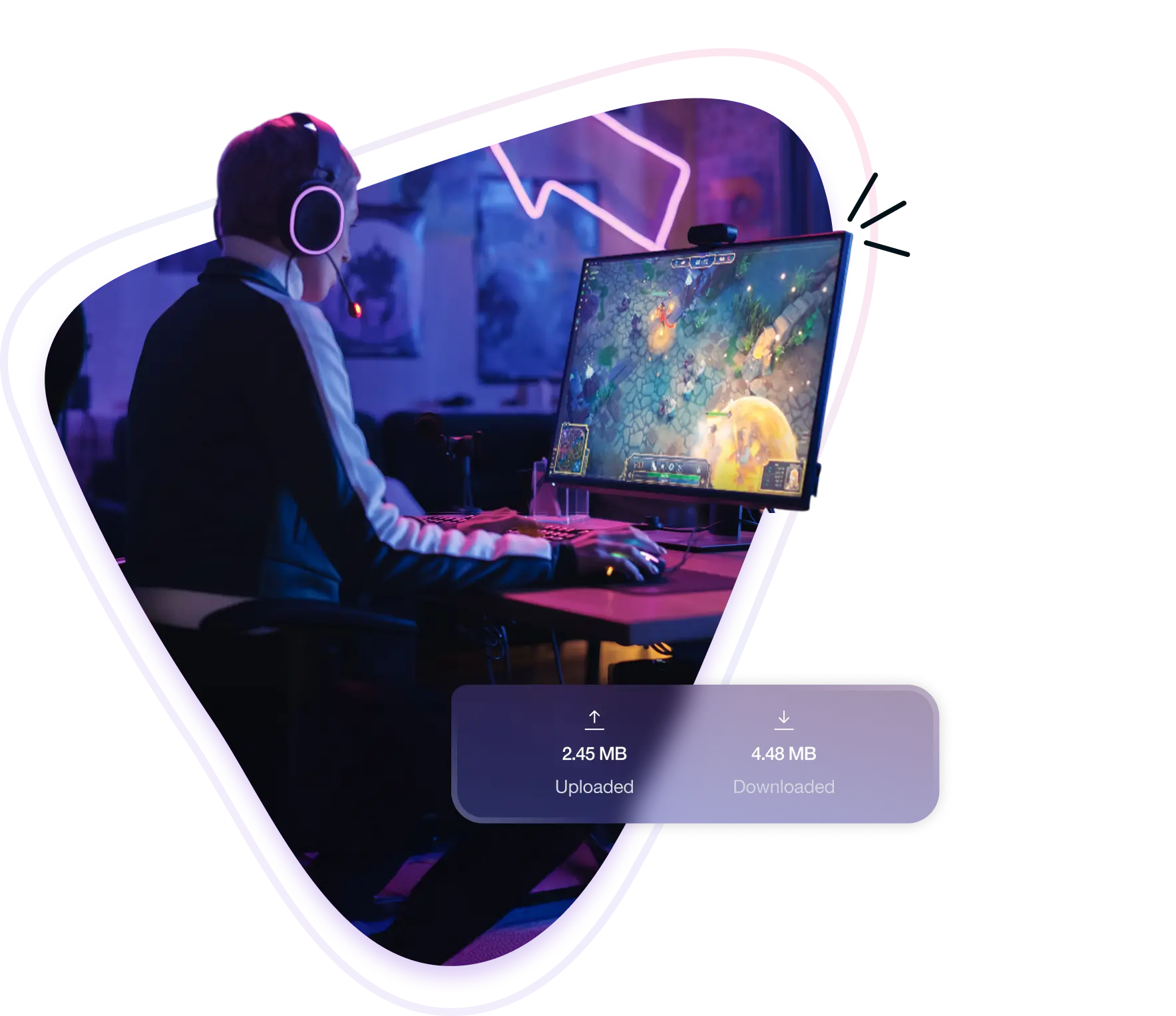
A Naraka: Bladepoint VPN routes your traffic through secure, high-speed servers to avoid ISP throttling and stabilize performance during intense matches. It also hides your IP address to protect against internet attacks and allows access to region-locked servers like China, giving you more flexibility and control over how you play.
Here’s how a VPN helps you stay competitive in Naraka: Bladepoint:
Get smoother gameplay and faster reactions during parries, combos, and dodges when your connection struggles to reach Naraka: Bladepoint’s servers.
Switch your virtual location with ease to access the China region, allowing you to play with friends or queue in exclusive matchmaking zones.
Encrypted traffic prevents your ISP from slowing gameplay, keeping fights smooth even during fast dashes, grapples, and high-mobility chases.
Mask your IP address to protect against cyber attacks, prevent location leaks, and avoid harassment in ranked matches or public lobbies.
Here’s why PureVPN is the go-to VPN for Naraka: Bladepoint players:
Play Naraka: Bladepoint for hours without slowdown. There are no data caps or speed drops, even during large downloads or long PvP sessions!
Use native apps on Windows, macOS, Android, iOS, plus router setup for supported consoles to keep your connection stable wherever you play.
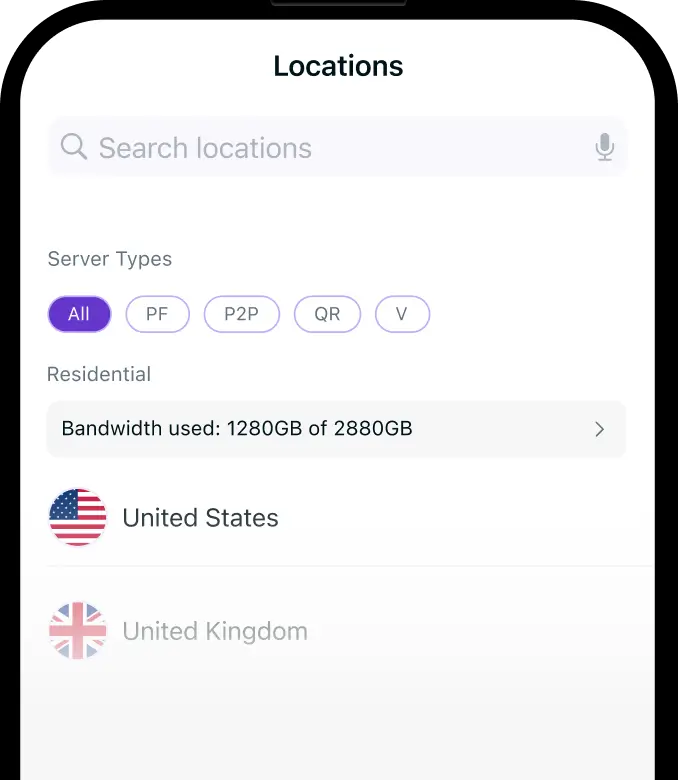
Connect through 6,000+ servers in 65+ countries to fix bad ISP paths or appear inside China to access the country’s region-locked server.
Switch your IP address to hide it from opponents, blocking common attacks attempts that can crash your game during ranked matches or tournaments.
Open essential ports to improve connection quality, reduce NAT issues, and keep in-game voice chat and party systems working without hiccups.
Get instant help anytime you need it from real experts. Whether it’s setup or connection issues, support is just a chat away—no waiting!
Start playing Naraka: Bladepoint securely by following these steps:

PureVPN lets you play any game, anywhere, with no interruptions. Connect securely, bypass regional barriers, and enjoy a smooth, lag‑free experience across every game.










The China (CN) server in Naraka: Bladepoint is locked to players with Chinese IP addresses. To join, you need to appear as if you’re inside China. By connecting to a VPN server located in China, you gain access to exclusive matchmaking, faster queues, and region-specific events unavailable elsewhere.


Free VPNs often throttle bandwidth and cause unpredictable lag, making fast-paced gameplay a nightmare. Many sell your data or show intrusive ads, putting your privacy and security at risk. For serious Naraka: Bladepoint players, investing in a premium VPN is the only way to avoid these downsides.


High ping can be caused by long distances to game servers, slow or congested internet connections, or ISP routing issues. Network interference can also add latency. Using a VPN with ultra-fast servers may help reduce ping by improving routing paths.
You can switch servers from the game’s login screen by selecting your desired region (NA, EU, AS, SEA). Simply pick the region before logging in. To access the China server, which is region-locked, you’ll need to connect through a VPN with a Chinese IP.
Yes, Naraka: Bladepoint allows VPN use. Many players use VPNs to reduce lag, access region-locked servers, and protect against internet attacks. However, always choose a reputable VPN to avoid connection issues or potential account problems.