How to watch Channel 4 in New Zealand [August 2026]
Channel 4 is a free streaming service home to a wide range of high-quality content, including the hit reality TV series Gogglebox, the award-winning dystopian drama Black Mirror, and the critically acclaimed comedy Derry Girls. Unfortunately, Channel 4 is not available to viewers outside the UK. If you want to watch Channel 4 in New Zealand, you must get a good VPN.
Last Updated on: August 15, 2026
- Subscribe to PureVPN.
- Install and Connect to UK server from the App.
- Head to Channel 4 and stream hassle-free in New Zealand!
Why can’t I access Channel 4 in New Zealand?
Channel 4 does not work in New Zealand because of licensing and distribution agreements. The platform is only available to those in the UK, and uses geo-restrictions to block viewers from other countries. Fortunately, there is a way to get around these roadblocks and catch your favorite movies and TV shows on Channel 4! By using a premium VPN, you can watch Channel 4 in New Zealand as if you were in the UK.
How to watch Channel 4 in New Zealand
If you want to watch Channel 4 live streams from any part of the world, your best bet is to use a premium VPN like PureVPN. Don’t know how to go about it? All you have to do is follow these simple steps:
How to sign up for Channel 4 in New Zealand
You can easily sign up for Channel 4 from anywhere by using a good streaming VPN on your device. Here’s what you need to do:
- Subscribe to PureVPN, and choose any plan of your choice.
- Download the PureVPN app on your device.
- Connect to a server in the UK.
- Go to the Channel 4 website and click “Start your free trial.
- Select the “Register”option.
- Insert your email and password. Once done, select “Next”.
- Enter your personal information and use any UK postcode.
- Click “Register” to complete the signup process.
- You will receive a verification email in your inbox. Simply click the link to verify your account, and enjoy streaming Channel 4!
How does a VPN help you watch Channel 4 (All 4) in New Zealand?
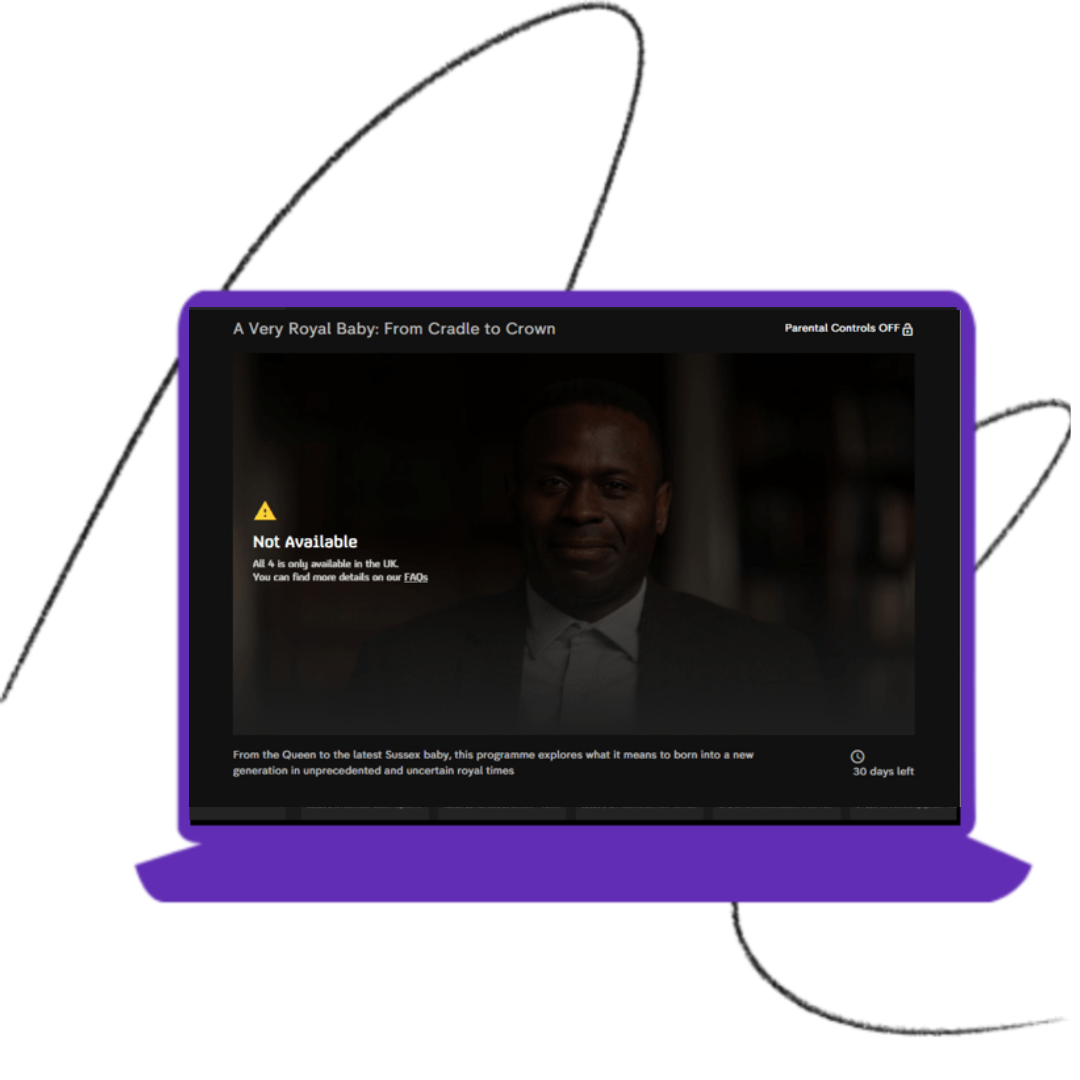
When you try to access Channel 4 in New Zealand or any other country besides the UK, you will be shown an error message about the platform’s unavailability. The easiest way to watch Channel 4 in New Zealand is to switch your IP address to the UK with a high-quality VPN. In this way, your traffic will appear to come from the UK. When you connect to Channel 4, it will think you are located in the UK and let you stream its content.
How to watch Channel 4 in New Zealand on different streaming devices

How do I get Channel 4 in New Zealand on Apple Devices? (iPhone, iPad, or iPod)
Just follow these simple steps:
- Subscribe to PureVPN.
- Download the PureVPN app from the App Store and sign up.
- From the list of servers, select the UK.
- Download the Channel 4 app from the App Store and log in or sign up.
- Start streaming your favorite Channel 4 content!

How do I get Channel 4 in New Zealand on my Android Devices?
Just follow these simple steps:
- Subscribe to PureVPN.
- Download the PureVPN app from the App Store and sign up.
- From the list of servers, select the UK.
- Download the Channel 4 app from the Play Store and log in or sign up.
- Start streaming your favorite Channel 4 content!

How do I get Channel 4 New Zealand on my Smart TV?
Just follow these simple steps:
- Subscribe to PureVPN.
- Download the PureVPN app from the App Store and sign up.
- From the list of servers, select UK.
- Connect your smart TV to your Wi-Fi network .
- Download the Channel 4 app from your smart TV’s app store and log in or sign up.
- Start streaming Channel 4 on your big-screen TV!

How do I get Channel 4 in New Zealand on my Roku?
Here are the steps you need to follow to watch Channel 4 on Roku:
- Subscribe to PureVPN.
- Configure our VPN service on your router.
- From the list of servers, select the UK.
- Connect your Roku to your Wi-Fi network.
- Download the Channel 4 app from the Roku Channel Store and log in or sign up.
- Watch Channel 4 movies and TV shows on the big screen!

How do I get Channel 4 New Zealand on my FireStick?
Here are the steps you need to follow to watch Channel 4 on FireStick:
- Subscribe to PureVPN.
- Get our easy-to-use app for FireStick.
- From the list of servers, select UK.
- Download the Channel 4 app from the Amazon Appstore and log in or sign up.
- Catch your favorite Channel 4 content restriction-free!
Frequently Asked Questions
What channels can I stream on Channel 4 in New Zealand?
You can stream the following channels on Channel 4: 4Music, 4News, Walter Presents, E4, More 4, Film4, 4Seven
Why is Channel 4 not working with a VPN?
Channel 4 might have identified that you are using a VPN IP address and blocked it. The fix is a simple one, just connect to another UK server and you should be good to go. However, issues could persist if you are using a free VPN as these are easy to detect.
What else is available to watch on Channel 4?
Some of the popular shows on Channel 4 include: The Great British Bake Off, Gogglebox , Hollyoaks, Location, Location, Location, The Circle
Is there a way to watch Channel 4 in New Zealand?
Yes. You can watch Channel 4 in New Zealand the US by using a premium-quality VPN to change your IP address to the UK. Or just subscribe to BritBox to watch ITV & BBC shows in US.
Is Channel 4 completely free?
Channel 4 is a free streaming service that will not cost you anything. However, if you want to watch Channel 4+, you will have to pay a subscription.
Can I watch Channel 4 without the app?
Yes. You can access the Channel 4 website and enjoy watching the movies and TV shows you want without using the app.
Yes. You can access the Channel 4 website and enjoy watching the movies and TV shows you want without using the app.