How to Watch FYI in Canada [June 2026]
FYI is an American cable and satellite television network that offers lifestyle and reality programming. The channel can be live streamed on Hulu + Live TV, which is only available to viewers in the US. With PureVPN, you can access Hulu + Live TV and watch FYI in Canada in just a few clicks.
Last Updated on: June 1, 2026
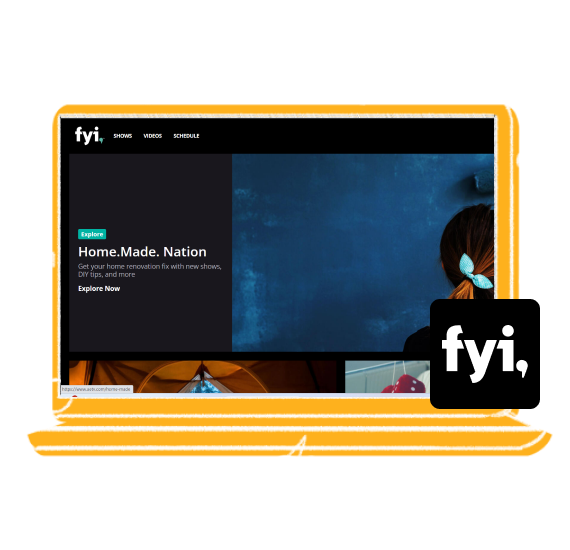
What Is FYI?
Owned by A&E Networks, FYI offers a wide selection of reality, makeover, home renovation, and culinary programs. It boasts an ever-growing viewership in the US due to its unique content offerings. Whether you are a fan of Seven Year Switch, Tiny House Nation, or Arranged, you can find everything under the umbrella of the FYI channel.
How to watch FYI in Canada with a VPN
If you are looking for a way to unblock Hulu + Live TV and watch FYI in Canada, using a good streaming VPN like PureVPN is your best bet. Just follow these simple steps:
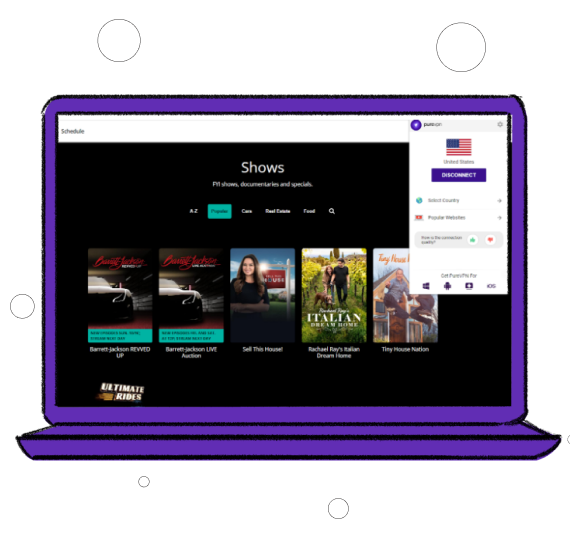
How to sign up for Hulu + Live TV in Canada with a VPN
If you are in Canada, you can still sign up for Hulu + Live TV to watch FYI as long as you have a high-quality VPN. Just follow these steps:
- Find a reputable online retailer that sells Hulu gift cards. Make sure the gift card is compatible with Hulu + Live TV.
- Follow the instructions provided with the gift card to activate it.
- Connect to a US server using PureVPN. This will mask your IP address and make it appear as though you are accessing Hulu from within the US.
- Go to the Hulu website or app, and sign up for Hulu + Live TV using the gift card as the payment method. Use a US zip code during the sign-up process.
- Once your account is set up, log in and start streaming FYI!
Why do you need a VPN to watch FYI in Canada?
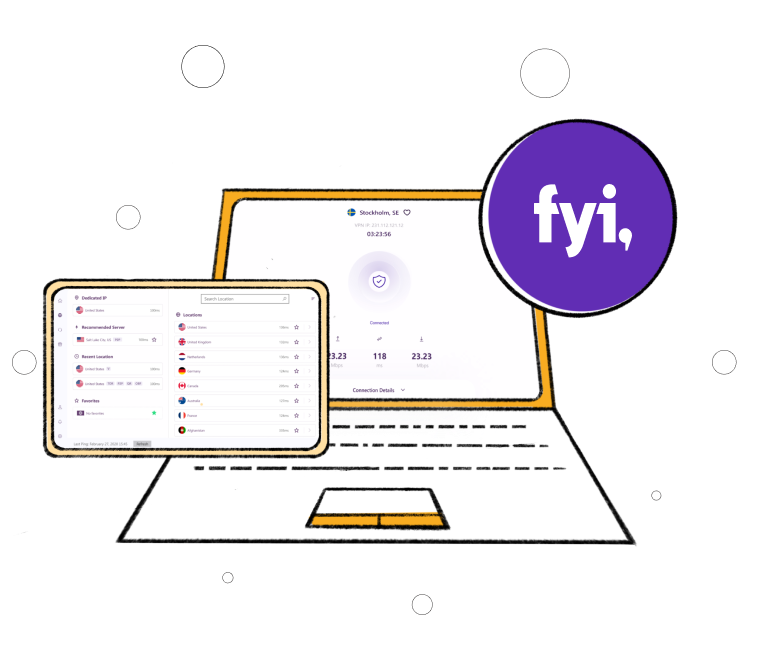
Watching FYI via Hulu + Live TV in Canada requires a VPN due to geo-restrictions imposed by the streaming service to comply with licensing agreements. When you access Hulu + Live TV from Canada, the platform detects your location based on your IP address and restricts access to its channels, including FYI.
However, by using a premium VPN like PureVPN, you can mask your real IP address and connect to a server in the US to get an American IP address, tricking Hulu + Live TV into believing you are accessing the service from within the country.
What movies and shows are available to watch on FYI in Canada
Some of the most popular shows to watch on FYI in Canada are:
-
- Dine & Dash
- Waterfront House Hunting
- Crazy Love
- Tiny House Nation
- Man vs. Child: Chef Showdown
- You Can’t Turn That Into a House
-
- Buying Alaska
- Married at First Sight
- Food Porn
- Haul This House
- Holiday Dream Home
- Vacation Rental Potential
How to watch FYI in Canada on various devices


How to watch FYI in Canada on iOS
Just follow these steps:
- Subscribe to PureVPN.
- Download our iOS app.
- Connect to a US-based server.
- Download Hulu + Live TV and log in or sign up.
- Search for FYI and start streaming!

How to watch FYI in Canada on Android
Just follow these simple steps:
- Subscribe to PureVPN.
- Download our Android app.
- Connect to a US-based server.
- Download Hulu + Live TV and log in or sign up.
- Search for FYI and start streaming!

How to watch FYI in Canada on Roku
Just follow these simple steps:
- Subscribe to PureVPN.
- If your smart TV is Android-based, get our Android TV app. If not, configure our VPN service on your router.
- Select a server in the US.
- Download Hulu + Live TV and log in or sign up.
- Search for FYI and start streaming!

How to watch FYI in Canada on Apple TV
Just follow these steps:
- Subscribe to PureVPN.
- Configure our VPN service on your router.
- Select a server in the US.
- Download Hulu + Live TV and log in or sign up.
- Search for FYI and start streaming!

How to watch FYI in Canada on Chromecast
Just follow these steps:
- Subscribe to PureVPN.
- Configure our VPN service on your router.
- Select a server in the US.
- Connect your Chromecast to the VPN-enabled router.
- Open the Hulu + Live TV app on your device and cast FYI content to your TV!
Frequently Asked Questions
Is FYI free to watch?
No, if you want to watch FYI online, you will need to pay for a Hulu + Live TV subscription.
Does FYI work without cable?
Yes. You can watch FYI without cable through Hulu + Live TV. The platform offers a wide range of channels, including FYI. Remember that it won’t be free and you will have to pay a monthly subscription for it.
Can I watch FYI with a free VPN?
No. If you’re watching FYI online through Hulu + Live TV, then you must know that Hulu uses stringent VPN-detection measures that free VPNs can’t bypass. You must opt for a paid VPN such as PureVPN for reliable access to Hulu + Live TV.
What devices can I atwch FYI on?
You can watch FYI on multiple devices, including Roku, Android TV, Chromecast, Apple TV, IOS/Android, Fire TV, or web browser.
Does FYI block VPNs?
Streaming services that offer FYI, like Hulu + Live TV, employ measures to block users from using VPNs to access their content.
Is it legal to watch FYI in Canada?
Yes, though it might be against Hulu + Live TV’s terms of use.