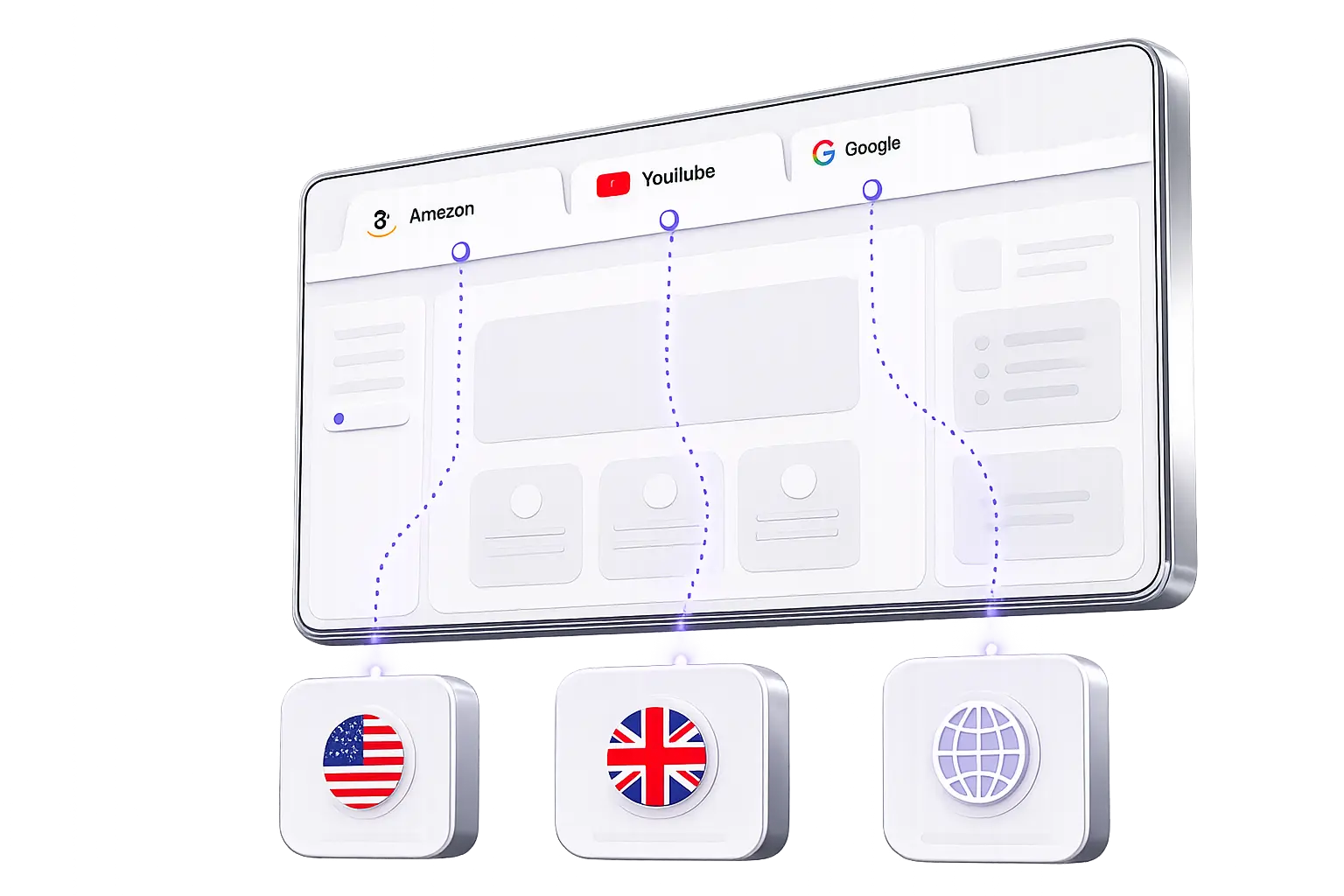


How IP Per Tab Works on Browser?
IP Per Tab moves proxy control from the entire browser to individual tabs. Simply install the PureVPN IP Per Tab from the Chrome Web Store and follow the below given steps:
Open your tabs
Keep your scrapes, rank checks, ad previews, QA tests, or repeat domains open in regular Chrome.

Set the IP for each tab
Choose the residential proxy route you want each tab to use from the extension popup.
Work without switching
Each tab keeps its own IP session, so you can continue side by side in the same browser.
How Does the IP Per Tab Trial Work?
Today
Get 1GB of residential proxy bandwidth and assign a different IP to every Chrome tab. Explore its features and see how it fits your workflow.
Day 6: Trial Reminder
We’ll send you a reminder one day before your trial ends so you have time to review your experience.
Day 7: Trial Ends
Your 7-day free trial comes to an end. Continue using IP Per Tab by choosing a plan that works for you.
Try IP Per Tab 1GB free for 7 days.
- Monthly plan
Residential Proxy$0.00 /GB For 7 DaysFree Trial Includes:
Free Trial Includes:
|

Free for 7 days, then billed at $19.99/month for the 12GB plan
TRUSTED BY