
Running a VPN on Linux doesn’t automatically make your activity private. DNS and IPv6 leaks can silently expose your browsing behavior, IP address, and network identity even when your VPN appears connected. These leaks are especially common in Linux setups due to their modular networking systems. If you use Linux for privacy, security, or remote work, ensuring no traffic escapes the VPN tunnel is critical.
What Are DNS Leaks on Linux?
A DNS leak happens when your device resolves domain names using default, non-VPN DNS servers, typically your ISP’s rather than routing them through the encrypted tunnel. On Linux, this can occur when tools like systemd-resolved, NetworkManager, or DNS caching services override your VPN’s settings. As a result, even with an active VPN, your ISP can still see every domain you attempt to reach. This defeats the purpose of using a VPN and can impact everything from privacy to access to geo-restricted services.
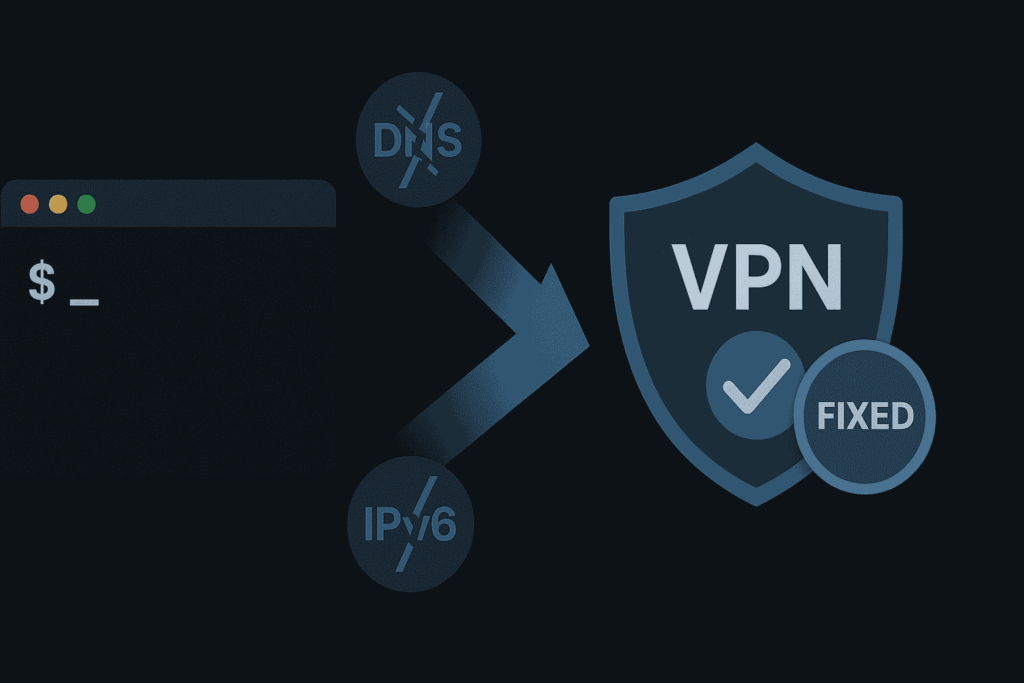
Understanding IPv6 Leaks on Linux
IPv6 leaks occur when your Linux system continues to use IPv6 for outbound communication while the VPN tunnels only IPv4 traffic. Since most VPN services don’t support full IPv6 tunneling by default, the operating system may send part of your traffic through an unprotected channel. Distributions like Ubuntu 22.04, Debian 12, and Fedora typically enable IPv6 by default, increasing the risk of leaks if the protocol isn’t explicitly disabled or routed through the VPN.
How to Tell If You’re Leaking DNS or IPv6
Many users aren’t aware of DNS or IPv6 leaks until they run a test. Signs of a leak include your ISP’s DNS appearing in leak test results, websites showing location mismatches, or IPv6 addresses being visible even when your VPN is active. Tools like ipleak.net or dnsleaktest.com can quickly identify if your setup is secure or vulnerable. If your real IP, DNS resolver, or region appears during testing, your privacy is compromised.
How to Fix DNS Leaks on Linux?
To stop DNS leaks on Linux, apply the following practices:
- Use a VPN with built-in DNS leak protection – PureVPN automatically routes DNS through its own encrypted servers.
- Manually override DNS – Edit /etc/resolv.conf or configure NetworkManager to enforce the VPN’s DNS.
- Disable conflicting services – Stop or configure systemd-resolved, dnsmasq, or other caching daemons.
- Avoid third-party DNS tools – Some Linux DNS managers can override VPN preferences without alerting you.
- Use a firewall – Block outbound DNS queries to any server except the VPN’s assigned DNS.
For advanced users, configuring iptables or nftables to enforce DNS routing rules can harden your system further.
Why Linux Users Face Higher Leak Risks
Linux users often rely on CLI-based VPN setups and handle system networking manually. This increases the risk of leaks, especially when VPN clients don’t enforce DNS or IPv6 rules automatically. Linux also uses a layered DNS resolution system with components like resolv.conf, systemd-resolved, and NetworkManager, which can conflict with VPN DNS settings. Without aligned configurations, your DNS queries may leak. Similarly, unless IPv6 is deliberately disabled, your system may unknowingly use it to bypass the VPN.
Wrapping Up
DNS and IPv6 leaks on Linux can compromise your privacy without your knowledge. These vulnerabilities are more common than users expect, particularly on distributions where networking layers are modular and flexible. Fixing these issues requires both a capable VPN provider and attention to system-level configurations.
Using PureVPN on Linux gives you a strong starting point: it provides built-in DNS leak protection, blocks IPv6 by default, and supports CLI-based workflows. But for complete privacy, it’s essential to verify your setup, test for leaks, and reinforce your VPN with firewall rules and system-level changes.
How do I know if my VPN is leaking DNS on Linux?
You can use toolst to check your DNS. If your ISP’s DNS servers appear in the results even while connected to a VPN your system is leaking DNS requests outside the tunnel.
Should I disable IPv6 on Linux when using a VPN?
Yes, unless your VPN fully supports IPv6 tunneling, it’s recommended to disable IPv6. Most VPNs, including CLI-based ones on Linux, don’t encrypt IPv6 traffic by default, which can expose your real IP address during sessions.
Does PureVPN prevent DNS and IPv6 leaks on Linux?
Yes. PureVPN’s Linux CLI app enforces DNS leak protection and disables IPv6 traffic by default. It also supports kill switch functionality to block all traffic if the VPN drops, ensuring complete leak protection.

Tanzeel Ahmed

July 1, 2025

9 months ago