The battle between Android and iOS isn’t just about user experience, features, or design, it’s increasingly about security and privacy. With cyber threats evolving and governments pushing new security laws, users are more concerned about which platform actually protects their data and privacy.
Let’s break it all down in a way that’s clear, data-driven, and genuinely useful if you’re choosing a smartphone.
Quick Summary: Who Has the Security Edge, Android or iOS?
| Android | iOS (iPhone) | |
| App Store Safety | Moderate (Play Protect + reviews) | Very High (Strict curation) |
| Malware Risk | Higher (open ecosystem) | Lower (controlled ecosystem) |
| OS Updates | Fragmented; depends on manufacturer | Unified & fast rollout |
| Sideloading Apps | Allowed (riskier) | Not allowed (safe) |
| Encryption | AES-256 (varies by model) | AES-256 + Secure Enclave |
| Privacy Controls | Good; improving | Excellent; industry-leading |
| Zero-day Exploit Risk | Moderate to High | Low to Moderate |
iOS vs. Android: Detailed Security Comparison
When it comes to smartphone security, iOS and Android take very different approaches. Let’s explore:
1. Ecosystem & App Store Security
One of the first lines of defense for any mobile platform is the app marketplace.
iOS App Store
- Every app goes through strict automated + manual reviews, focused on security, privacy, and legitimacy.
- No sideloading without jailbreak, which strongly limits malware entry points.
Android (Google Play + Third-Party Stores)
- Google Play Protect scans billions of apps daily, but some malicious apps still slip through.
- Android allows sideloading and third-party app stores by default, great for power users but riskier for average users.
Fresh stat: Android accounts for around 47% of mobile malware infections, versus about 1% on iOS, showing real impact of ecosystem openness.
Verdict: iOS leads with stricter control, though Android is catching up with better scanning and smarter machine-learning vetting systems.
2. Operating System Updates
Security isn’t just about features, it’s about how fast threats are patched.
Android Update Reality
- Google issues monthly security bulletins, but deployment depends on manufacturers like Samsung, Xiaomi, etc.
- Thanks to Project Mainline, critical security modules can update without OEM delays — narrowing the gap.
Latest: Google’s December 2025 patch fixed 107 vulnerabilities, including two zero-day exploits actively abused in the wild.
iOS Update Reality
- Apple delivers security patches simultaneously to all supported devices, no fragmentation.
- Even older iPhones often receive timely updates longer than most Android devices.
Verdict: iOS remains stronger in uniform updates, but Android’s overall patching speed is improving with new modular update systems.
3. Built-In Security Architecture
Built-in security architecture is what silently protects your device from malware, data leaks, and unauthorized access.
iOS (Apple Secure Enclave + Sandboxing)
- Every app is sandboxed, meaning it runs in a sealed container with limited access to others.
- Apple’s Secure Enclave stores sensitive items like biometrics and encryption keys separately.
Android (SELinux & Scoped Storage)
- Android uses SELinux and scoped storage to restrict app access and enforce permissions.
- Newer versions offer privacy dashboards, permission indicators, and refined granular controls.
Verdict: iOS still has a slight edge due to integrated hardware security (Secure Enclave) and more consistent sandboxing.
4. Malware & Threat Landscape (2025–2026)
Both platforms face threats, but patterns differ:
Android Threats
- Malware packages detected increased by 29% in 2025 compared to 2024, with banking Trojans a big part.
- Android attracts more attacks due to its large global install base.
iOS Threats
- iOS has fewer malware cases overall, but targeted threats (like spyware) do exist and can bypass protections.
- Vulnerabilities like APIs or inter-app flaws (e.g., XARA) have been found in sandboxed systems.
Verdict: Android sees more volume of malware and threats, while iOS faces fewer but still serious attacks, especially targeted surveillance.
5. Privacy & Data Security
Privacy and data security play a huge role in how safe your personal information really is.
iOS Privacy Edge
- Features like App Tracking Transparency (ATT) give control over cross-app data sharing.
- Stronger default location service controls, approximate vs. precise options.
Android Privacy Flexibility
- Android’s permission model gives detailed control, though manufacturer implementation varies.
- Some users report deeper data leakage potential from Android apps, but tools exist to mitigate.
Verdict: iOS generally offers stronger out-of-the-box privacy defaults, but Android’s flexibility rewards savvy users.
User Feedback — What People & Analysts Think
When you look beyond spec sheets and marketing claims, real user conversations tell a much more honest story. Across Reddit threads and tech forums, iOS and Android users openly discuss what actually feels secure in day-to-day use.
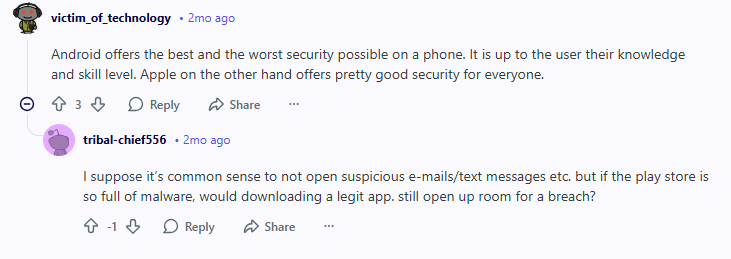
Security researcher David Sehyeon Baek explains that Android experiences far more malware and vulnerability reports each year, largely because of its open ecosystem and fragmentation across manufacturers, which makes timely security patches harder to deliver broadly. At the same time, iOS’s closed ecosystem and central updates mean fewer widespread infections, though sophisticated attacks do still occur on both platforms. LinkedIn
New research from Zimperium highlights a surprising trend: over 50% of iOS apps and nearly one-third of Android apps were found leaking sensitive data in real-world testing, specifically through insecure API handling and insufficient encryption. This suggests that app design, not just the platform, plays a big role in security outcomes.
Emerging Trends Affecting Security in 2026
In 2026, mobile security isn’t just about on‑device protections, it’s being shaped by global trends and shifting standards that could change how Android and iOS protect you in the years ahead.
Take security regulations for example. India’s government has put forward a smartphone security proposal that might have required manufacturers to share source code and tighten how updates and malware scans are handled, triggering pushback from big names like Apple and Samsung.
While authorities later clarified that no final rules are in place yet and discussions are still ongoing, this debate highlights how governments are trying to beef up protections amid rising fraud and data breaches, and how challenging it is to balance security with privacy and proprietary tech.
Another big trend is cross‑platform encryption. Rich Communication Services (RCS), the modern standard replacing SMS/MMS, is finally getting true end‑to‑end encryption between Android and iOS devices thanks to new GSMA specifications using the Messaging Layer Security protocol.
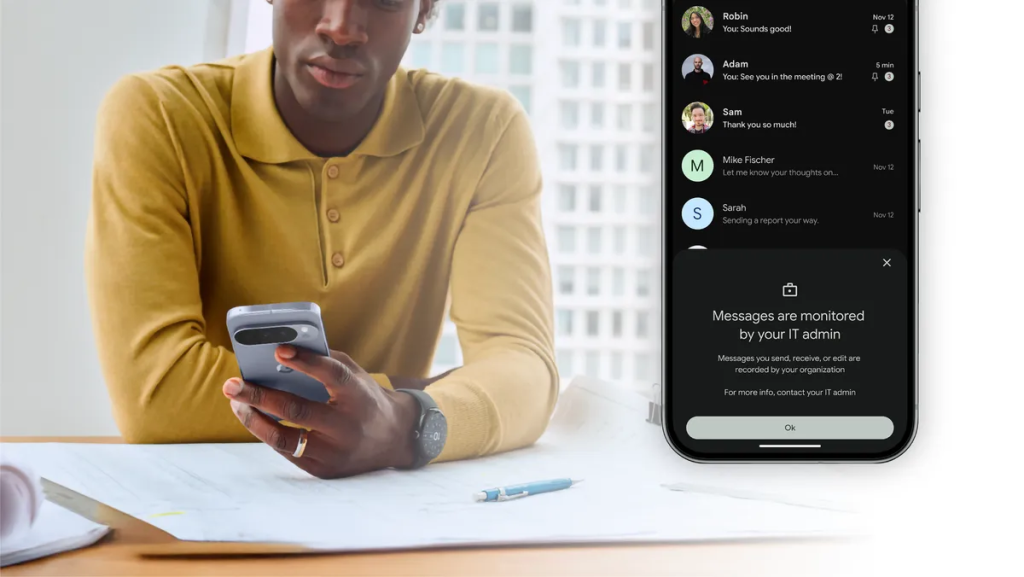
That means messages, photos, and files you send between phones could soon stay private across operating systems, similar to how iMessage and other encrypted messengers work today, a major win for user privacy.
And on the Android side, Android 17’s upcoming security upgrades include built‑in options like app locking with biometrics or PIN, giving users more granular control over sensitive apps without third‑party tools, a huge boost if you care about locking down social apps, wallets, or work apps quickly.
All of these points point to one thing: mobile security in 2026 is evolving fast, and it’s no longer just a platform battle. It’s about collaboration, regulation, and user trust.
Final Verdict: Who’s More Secure in 2026(Android/iOS)?
| Category | Winner |
| App Marketplace Safety | iOS |
| Malware Resistance | iOS |
| Security Updates | iOS |
| Privacy Controls | Tie (iOS leads, Android flexible) |
| Advanced Systems & Innovation | Tie |
iOS retains a security edge with its controlled ecosystem, unified updates, and hardware protections. Android, however, is far from insecure when updated and configured smartly.
Tips to Secure Your Device and Personal Data — No Matter the OS
Keeping your smartphone secure goes beyond choosing the right OS; it’s about adopting smart habits and using the right tools.
- Always install updates right away.
- Avoid sideloading apps on Android unless you trust the source.
- Use PureVPN to protect your data on public Wi-Fi.
- Enable multi-factor authentication everywhere possible.
- Choose strong passcodes and biometrics.
Closing Note
Security isn’t a trophy; it’s a journey. Both Android and iOS continue innovating their defenses. What matters most? Keeping your device updated, using trusted apps only, and staying educated on the latest threats. And if you want an extra layer of protection for privacy and secure browsing, try PureVPN.
Frequently Asked Questions
Yes. iOS’s walled garden makes widespread malware rare, but targeted attacks like sophisticated spyware (e.g., Pegasus) and zero-day exploits have impacted iPhones, when devices aren’t updated.
Yes, update rollout timing varies by manufacturer. Some devices receive monthly patches for years (like Pixel), while others may stop receiving them sooner, which can leave security gaps. Timely updates make a huge difference.
Both Android and iOS offer features like device lock, remote wipe, and anti‑theft protections. iOS ties device activation to Apple ID, making it tough to reuse stolen phones. Android offers similar protections (e.g., Find My Device), but effectiveness can vary slightly based on settings and manufacturer.
Absolutely. PureVPN encrypts your internet traffic, protects sensitive data on public Wi‑Fi, and prevents tracking, adding an extra layer of protection no matter which OS you use.