Telegram stopped working across Jordan on November 16, 2026. Messages hang on a clock icon, channels won’t load, and the app sits on “Connecting…” no matter how many times you restart it. For many people in Jordan, Telegram is where family group chats, work channels and small-business orders live, so the block cuts off far more than a messaging app.
This guide explains what Jordanian authorities have said about the block, how to get Telegram working again in about two minutes, and what to do if it still won’t connect.
How to access Telegram in Jordan?
You need to connect to a VPN server outside Jordan, and Telegram works again. The VPN encrypts your connection and routes it through another country, so your internet provider can’t see or block your Telegram traffic. PureVPN gets you back online in three steps:
- Download and Install PureVPN
- Connect to a server near Jordan, such as the UAE, Turkey or Germany, for the lowest delay.
- Close Telegram completely and reopen it.
Why Telegram is down in Jordan?
Jordan’s Public Security Directorate announced a nationwide Telegram block on Monday, November 16, 2026, Reuters reported. The PSD said the block aims to strengthen digital security and stop people from using Telegram to spread extremism and radicalization.
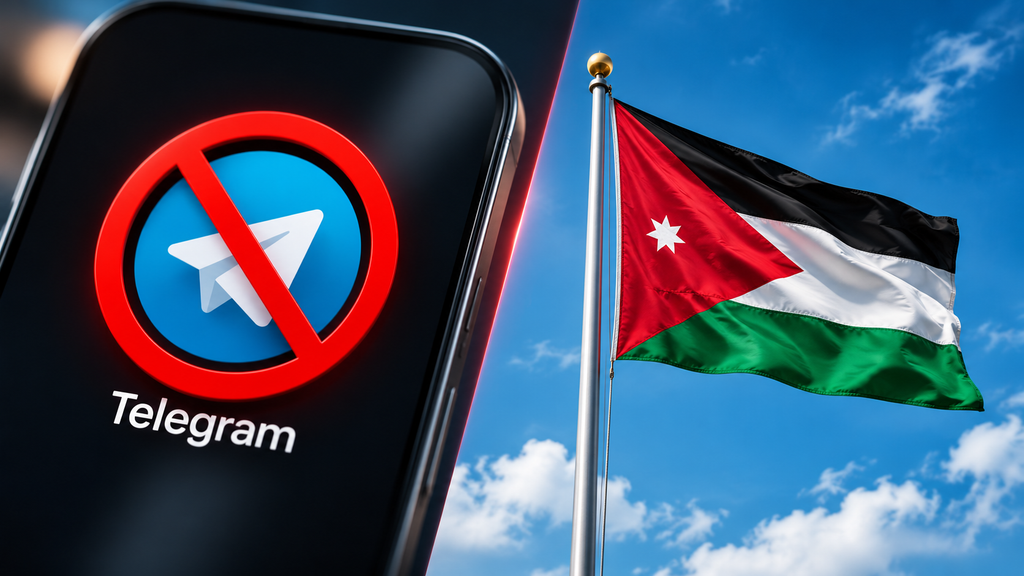
The block follows a tense few weeks in Jordan. On October 23, an attack on a Greek Orthodox church in Karak governorate killed nine people. This month, an attacker killed a security officer in a stabbing in Amman that authorities described as terrorism. According to Al Jazeera, Islamic State militants allegedly used Telegram to publish statements. The PSD has asked citizens to report unlawful content through official channels. Jordanian authorities haven’t announced an end date for the Telegram block.
What is a Telegram block, and how does a VPN get around it?
A Telegram block is a restriction in which internet providers stop users’ devices from reaching Telegram’s servers. Internet providers usually enforce a block by filtering Telegram’s IP addresses and domain names, or by detecting traffic that looks like Telegram’s protocol.
A VPN (virtual private network) is a service that encrypts a device’s internet traffic and sends it through a server in another country. With a VPN on, the internet provider sees only an encrypted connection to the VPN server, not the Telegram traffic inside it. The block can’t target Telegram traffic that the provider can’t identify, so Telegram connects normally.
A Telegram proxy is a server that relays only the Telegram app’s traffic. A proxy can also get around a block, but it doesn’t protect any other app on the device.
This isn’t Jordan’s first platform block
Jordan has restricted apps before. Jordan blocked TikTok in December 2022, and Discord stopped working in the country in October 2025. Neither block came with a set end date, so Telegram users in Jordan benefit from setting up a reliable workaround now rather than waiting for the block to lift.
Still stuck on “Connecting…”?
If Telegram still won’t connect after you turn on the VPN, work through these fixes in order:
- Switch protocol. In the PureVPN app’s settings, try a different protocol, such as WireGuard, OpenVPN or IKEv2. Some networks interfere with one protocol but not another.
- Try a different server location. If one location is busy, a neighbouring location usually works.
- Remove any proxy you added in Telegram. Go to Settings → Data and Storage → Proxy and turn the proxy off. A dead proxy stops Telegram from connecting even when the VPN works.
- Switch between Wi-Fi and mobile data. Home routers and mobile carriers can handle VPN traffic differently.
- Update Telegram. Older Telegram versions sometimes fail to reconnect after a network change.
Other ways to reach Telegram in Jordan, compared
| Option | Works for apps beyond Telegram | Hides your traffic from your internet provider | Who sees your IP address | Cost | Reliability during a block |
|---|---|---|---|---|---|
| PureVPN | Yes, every app on the device | Yes, all traffic is encrypted | PureVPN, under an independently audited no-log policy | Paid | High: you can switch between servers and protocols |
| Telegram’s built-in proxy (Settings → Data and Storage → Proxy) | No, Telegram only | Telegram traffic only | The proxy operator, who is often anonymous | Free | Low: public proxies get blocked once they’re widely shared |
| Telegram Web (web.telegram.org) | No, Telegram only | No | Your internet provider | Free | Very low: Telegram Web uses the same Telegram domains the block targets |
| Free VPN apps | Yes | Yes, in principle | The VPN provider, whose ownership is often unclear | Free | Varies: some free VPNs fund themselves by selling user data |
A Telegram proxy works as a stopgap for a day or two if you trust whoever runs it. For a longer block, or for work use, a VPN is the more dependable option.
A note on the law
Jordanian law, not this guide, decides what’s allowed in Jordan, and regulations can change during situations like this one. Using a VPN doesn’t make an illegal activity legal. If you’re unsure about your situation, check the current regulations or speak to a local lawyer.
How to tell if a VPN is safe
App stores fill up with VPNs that have little or no track record after every major block. During Iraq’s Telegram block earlier in 2026, VPN provider Proton reported that many of the most-downloaded VPNs in Iraq were linked to companies with hidden ownership or to providers that sell user data.
Before installing any VPN, check for:
- An independent no-log audit. A trustworthy provider names the auditor and publishes the report, rather than just claiming “no logs.”
- A track record. A provider that has run for years has more to lose from a privacy scandal than an app that appeared last month.
- A real company behind the app, with a named legal entity and a privacy policy written in plain language.
- Official apps only, downloaded from the provider’s website or an official app store.
- No ads inside the app. If a VPN shows you ads, someone other than you is paying for it.
- A kill switch and modern protocols such as WireGuard.
Frequently Asked Questions
Yes. Jordan’s Public Security Directorate announced a nationwide Telegram block on November 16, 2026, so the block applies across the whole country rather than in a single city or on a single network.
Jordanian authorities haven’t announced an end date for the Telegram block that began on November 16, 2026. Jordan’s earlier blocks, including the TikTok block in December 2022, also started without a stated end date.
No. Telegram stores regular chats in its cloud, so regular chats sync again as soon as the app reconnects. Secret Chats live only on the device where they started, and Secret Chats stay on that device as long as you don’t log out or delete Telegram.
A Telegram proxy works as a short-term fix in Jordan, but a proxy covers only the Telegram app, and public proxies usually stop working once they’re widely shared. A VPN encrypts traffic from every app on the device and lets you switch servers if one location stops working.
Not by default. Telegram encrypts regular chats between the app and Telegram’s servers, but only Secret Chats use end-to-end encryption, which means only the two people in the conversation can read the messages.
First, switch the VPN protocol (for example, from WireGuard to OpenVPN), then try a different server location, and remove any proxy saved in Telegram’s Data and Storage settings. If Telegram still won’t connect, PureVPN’s 24/7 live chat team can walk you through the right settings for your network, and the PureVPN Support Center handles anything that needs a technical follow-up by email.

Arsalan Rashid

November 18, 2026

19 hours ago