
VPNs are used by both businesses and everyday users, but not for the same reasons. A corporate VPN helps companies give employees secure access to internal tools, files, and systems, especially when teams work remotely.
A personal VPN, on the other hand, is built for individual users who want more private browsing, safer public WiFi use, and access to content that may not be available in their region. While both use encryption, the way they work is different.
Corporate VPNs focus on access control, team management, and business security. Personal VPNs are geared toward individual privacy, device protection, and everyday internet use. Learn how corporate VPN vs personal VPN compare, and where each one makes sense.
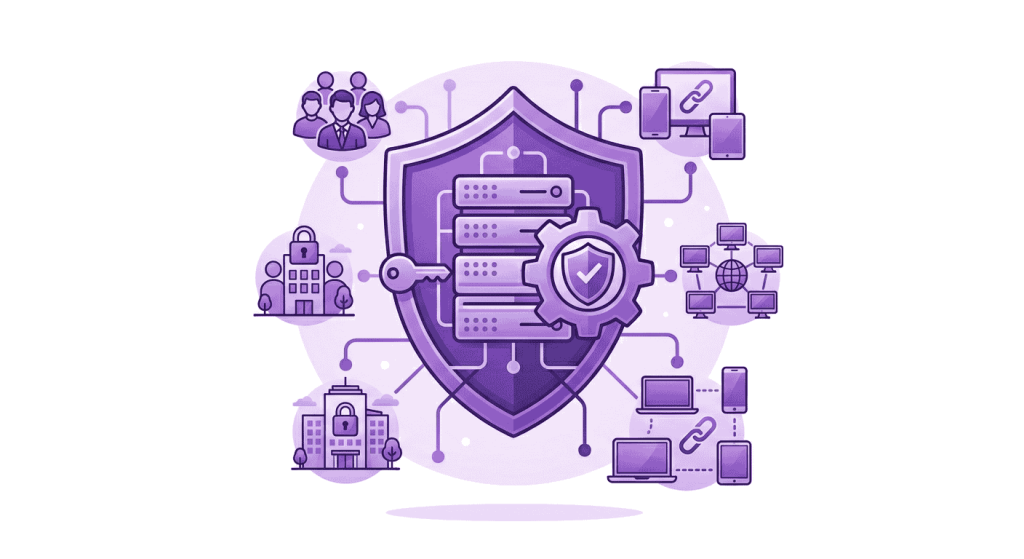
Corporate VPN vs Personal VPN: A Quick Comparison
Here is a side-by-side comparison before we break down how each VPN type works:
| Factor | Corporate VPN | Personal VPN |
| Purpose | Securing access to company systems and internal resources | Protecting individual privacy, browsing activity, and internet traffic |
| Control | Set by the organization or IT department | Set by the individual user |
| Main users | Employees, contractors, remote teams, and approved business users | Travelers, streamers, gamers, remote workers, and everyday internet users |
| Access type | Access to internal tools based on the user’s role | Access to the public internet through VPN servers |
| Authentication | Company credentials, often with SSO or MFA | VPN account username, password, or app login |
| Devices | Work devices, managed devices, or approved user accounts | Personal devices, such as phones, laptops, tablets, and smart TVs |
| Cost | Paid by the company | Paid by the individual user |
| Best for | Remote work, internal access, team security, and business network control | Public WiFi, travel, private browsing, streaming, and everyday internet use |
What Is a Corporate VPN?
A corporate VPN, also called a business VPN, helps employees connect securely to a company’s internal network from outside the office. Businesses use it to protect access to work systems, especially when employees work remotely or across multiple locations.
It creates an encrypted tunnel between the employee’s device and the company network. Once connected, approved users can access internal resources such as company databases, shared servers, remote desktops, internal applications, and cloud-based systems.
Remote teams, large enterprises, government organizations, and financial institutions often use corporate VPNs. Instead of leaving internal tools open to the public internet, a corporate VPN adds a protected access layer for approved users.
What Is a Personal VPN?
A personal VPN is built for individual users who want to protect their internet connection, browsing activity, and online privacy. It connects the user’s device to a VPN server run by the VPN provider and routes their internet traffic through an encrypted connection.
As a result, the user’s real IP address is hidden from the websites they visit, and their activity becomes harder for ISPs, public WiFi operators, or other third parties to monitor. It also helps reduce exposure on unsecured networks, such as airport, hotel, or café WiFi.
Personal VPNs are commonly used by travelers, streamers, gamers, and privacy-conscious users who want safer everyday internet access. They can help users use public WiFi more safely, reduce ISP tracking, and access unavailable content in their region.
When Do You Need a Corporate VPN?
You need a corporate VPN when remote access involves company systems, not regular internet browsing. It is mainly for businesses that need to control who can reach internal tools, files, and applications from outside the office.
A corporate VPN is suitable when:
- Employees work remotely: They need to access internal files, shared servers, remote desktops, or company-only applications from home.
- Teams work from different locations: They need a controlled way to connect to the same business network.
- Contractors need limited access: Vendors, freelancers, or external partners may need access to specific company resources.
- Sensitive data is involved: The business handles customer records, billing details, financial files, healthcare information, or other sensitive data.
- Access rules need to be enforced: Connections must be managed through company credentials, approved devices, user roles, MFA, or SSO.
When Do You Need a Personal VPN?
A personal VPN is useful when the concern is personal internet activity, privacy, or access on personal devices. It is not meant for company-level access, but it can make everyday browsing safer and more private.
A personal VPN makes sense for:
- Keeping your IP address private: Websites, apps, advertisers, and online trackers see the VPN server’s IP address instead.
- Reducing ISP tracking: Your internet service provider (ISP) has less direct visibility into your browsing activity.
- Using public or shared WiFi: A VPN adds protection when you connect at airports, hotels, cafés, coworking spaces, or malls.
- Accessing region-specific content: You can access websites, apps, or content that may not be available in your region.
- Reducing activity-based throttling: A VPN may help when your ISP slows down specific traffic, such as streaming, gaming, or downloads.
Can You Use a Personal VPN for Work?
A personal VPN can help protect your own internet connection while working, especially if you are using public WiFi, traveling, or handling basic online tasks on a personal device. However, it does not give you approved access to private company systems.
For example, a personal VPN cannot connect you to internal business tools, private company servers, role-based work applications, or employee permission systems. Those resources usually require a corporate VPN or another company-managed access method.
Many organizations also restrict the use of personal VPNs on work devices because they need visibility, access control, compliance checks, and approved security policies. If company systems are involved, the safer answer is to use the VPN provided by the organization.
Can You Use a Corporate VPN for Personal Browsing?
A corporate VPN is not meant for personal browsing because it belongs to the organization, not the employee. When connected, personal traffic may pass through company-managed systems, where activity can be logged, filtered, or monitored depending on company policy.
That creates an awkward line between work access and personal activity. Streaming, shopping, gaming, social media, or private browsing should not run through a network your employer controls unless the company clearly allows it.
It can also make personal browsing less practical. Company VPNs may block certain websites, restrict non-work traffic, or route connections through business locations that are not meant for streaming, gaming, or everyday personal use.
Frequently Asked Questions
A corporate VPN is chosen by the company and controlled by its IT team. It decides who can connect, which systems they can access, and what security checks apply. A personal VPN is chosen by the user and works on their own devices for private browsing, safer public WiFi use, streaming, gaming, or travel.
Your employer may be able to log, filter, or monitor activity on a corporate VPN, depending on the company’s policy and VPN configuration. That is why personal browsing, streaming, shopping, or social media should not run through a work VPN unless the company clearly allows it. A corporate VPN belongs to the organization, not the employee.
A corporate VPN is more secure when the goal is to protect company systems because it adds admin control, approved users, device rules, MFA, SSO, and role-based access. For everyday personal use, a good personal VPN is the better security fit.
Remote workers may need either one depending on what they are doing. A corporate VPN is needed when they access company files, internal apps, remote desktops, or business systems. A personal VPN is useful for protecting their own browsing, using public WiF, or accessing websites and apps on personal devices.
Choose a corporate VPN for company systems, internal tools, remote teams, and controlled employee access. Choose a personal VPN for private browsing, public WiFi, travel, streaming, gaming, and everyday internet use. If the access belongs to the business, use the business VPN. If the activity is personal, use a personal VPN.

Arsalan Rashid

June 9, 2026

4 months ago