
Secure your teams with a remote access VPN in Russia
Want more data security? Looking for a remote access VPN in Russia? With PureVPN for Teams, your remote workforce can:


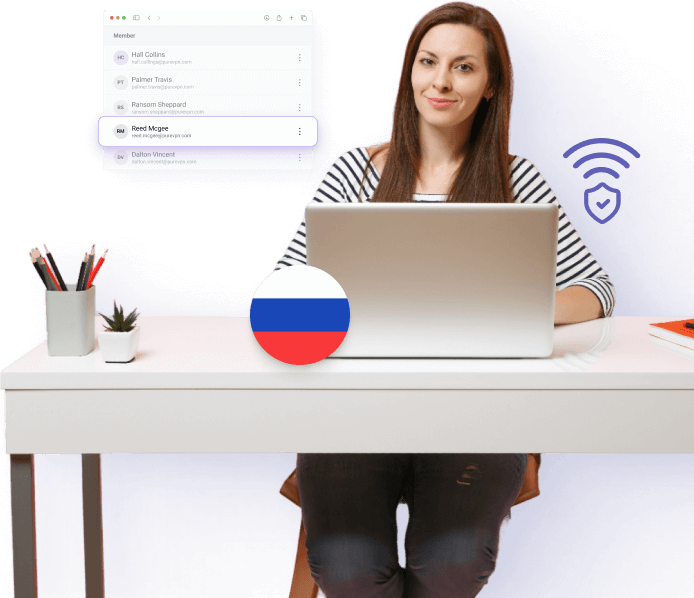


What is a remote access VPN?
It allows remote users to access company applications, resources, and data as though they were in the office, even though they are physically living somewhere else. It helps multiple teams access company assets without expensive in-house infrastructure and high operating costs.
How does a remote access VPN work?
A remote access VPN protects connections by creating an encrypted line of communication from the user’s device to the business network. It happens when a VPN client on the user’s device verifies the users via passwords and tokens. Once the user is successfully authenticated, an encrypted tunnel is established to the corporate VPN gateway.
Why choose PureVPN for Teams?
Simplified admin dashboard
Control and manage multiple team accounts with ease using our intuitive admin panel.


Multi-device security
Protect and secure multiple devices used by your remote team members from any location or country.

Global server network
With 6,000+ VPN servers situated across 65+ countries, we guarantee your team remains connected on a global scale.

Dedicated IPs & team server
Improve network security with dedicated IPs tailored for teams. Include a Team Server for seamless team collaboration and smooth access to shared network resources.

24/7 dedicated customer support
Benefit from PureVPN’s support team, always on hand to assist with any concerns or questions.
Benefits of a remote access VPN for businesses
Wondering how a remote access VPN can help your business? Here's how:


Streamline remote access
Enable your workforce throughout Russia to connect effortlessly to important business assets, from Moscow to Vladivostok. Ensure consistent access to crucial network resources, no matter the location.

Boost network security
Enhance your network security with AES-256 bit encryption that protects your company’s information during transfer, whether employees are logging in from their homes or a local cafe.

Reduce the risk of cyberattacks
Minimize the chances of cyberattacks by using secure VPN channels and whitelisted IPs to safeguard your operations.

Subscribe to PureVPN for Teams
Select the right plan for your business needs and finish the subscription process.

Configure Your Team’s Access
Use the admin dashboard to add team members and set their access preferences. Allocate dedicated IPs and establish permissions according to your team’s needs.

Install and Connect
Ask every team member to install the PureVPN application on their devices and connect to the VPN with the provided credentials.
|
|
|
|


Trusted and experienced by tech experts and users
From early-age startups to large global corporations, PureVPN earns the confidence to ensure online security.

It offers 6,000 servers, Dedicated IP, and reasonable pricing.
Zephin Livingston
Staff Reviewer
satisfied users have trusted PureVPN, making it a preferred VPN solution for online safety.
Frequently Asked Questions
Discover answers to common questions about PureVPN
What is PureVPN for Teams?


PureVPN for Teams is tailored for businesses to secure remote team members from data breaches and online threats. It guarantees secure remote work through encrypted communication and online safety.
Why do companies use PureVPN for Teams?
PureVPN for Teams meets the specific needs of businesses by enhancing online safety. It enables smooth data transfer while preventing unauthorized access and online data breaches.
What is a dedicated IP?
A dedicated IP is a unique and static IP address that is not shared by anyone else who’s relying on the same network. It helps businesses protect their network by simplifying the deployment of IP-based access controls.
How many members can be added to PureVPN for Teams?
You can include up to 200 members in PureVPN for Teams.
How can I access my desktop in the US from Russia?
Although there are many remote desktop software available, it is better to create a secure connection with a remote computer. Consider using a remote access VPN to connect and access all sensitive data on your computer in the US.