
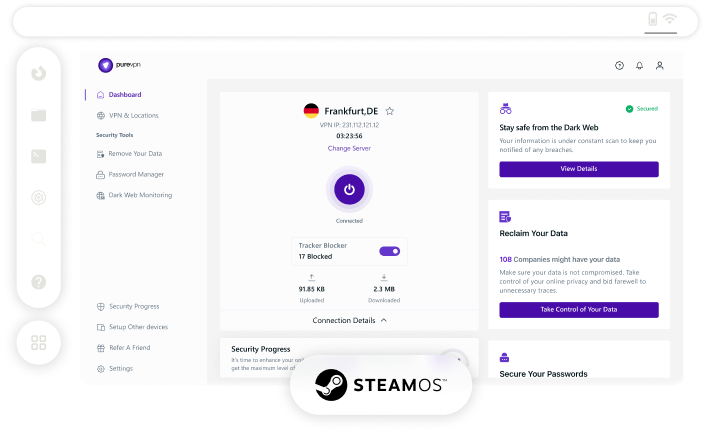

What is a SteamOS VPN
A SteamOS VPN encrypts your online activities on your SteamOS device, improving your security and keeping your gaming traffic safe from prying eyes like hackers and ISPs. Additionally, it swaps your actual IP address with another one from a different location, boosting your privacy and allowing you to access region-locked games and content.
How to Set Up a SteamOS VPN in 3 Steps
Getting started with the PureVPN linux app is as easy as 1, 2, 3:
Step 1

Subscribe to PureVPN.
Step 2

Download and install our Linux client.
Step 3

Log into the app, connect, and you are good to go!

Stream Unavailable Content
Say goodbye to regional limitations! With PureVPN, you can change your virtual location and gain access to otherwise unavailable games and streaming apps on your Steam Deck, no matter where you are in the world.


Protect Your Privacy and Security
Whether you are playing games, streaming videos, or browsing the web in Desktop Mode, PureVPN keeps your online activities secure and invisible with best-in-class encryption and IP address masking on your SteamOS device.
Get Around ISP Throttling
Keep your gaming speed consistent all day long. PureVPN shields your web traffic, preventing your ISP from slowing you down, letting you enjoy ultra-fast performance on Steam Deck—even during peak gaming hours!


How to Use PureVPN CLI App on SteamOS
Switch your Steam Deck to Desktop Mode, open Konsole (the terminal app), and run the “curl https://purevpn-dialer-assets.s3.amazonaws.com/cross-platform/linux-cli/production/cli-install.sh | sudo bash” command.
Once done, log into the PureVPN app by running the "purevpn-cli –i" command.
Connect to a recommended server with "purevpn-cli –r" or pick your preferred location with "purevpn-cli -c UK" (replace UK with your desired country).
Why Choose PureVPN for SteamOS?
Our SteamOS VPN is packed with a wide range of features, such as:

Internet Kill Switch
Protects your real identity from exposure if the VPN drops by automatically terminating your internet access.

Best-in-Class Encryption
Secure your online traffic through robust, AES 256-bit encryption and browse the web with peace of mind.

Modern Protocols
Experience unbeatable performance and security with state-of-the-art protocols like WireGuard and OpenVPN.

Global Server Network
Access 6,000+ servers in 80+ locations across 65+ countries, including Australia, Canada, the UK, and USA.

24/7 Customer Support
Have any questions about PureVPN? Our customer support team is available to help you, anytime, any day!

P2P supported servers
Download and share files securely over the internet with PureVPN's P2P supported servers
Frequently Asked Questions
Read on to find answers to frequently asked questions about PureVPN
Should I use a free VPN for SteamOS?


Free VPNs can also cause lag during gaming sessions on your Steam Deck. Plus, these services are known to collect and sell user data to third parties. For the best experience, stick to premium VPNs like PureVPN.
Do you need a VPN when using SteamOS?
Absolutely! By using a VPN on SteamOS, you can enjoy improved privacy and security online, access games released early in other regions, protect yourself on public WiFi while gaming on the go, and avoid ISP throttling during heavy gaming sessions.
How do I set up a VPN on SteamOS?
You have two main options to set up a SteamOS VPN: manually configure it via Desktop Mode’s network settings or install a third-party VPN service that offers a Linux GUI app compatible with SteamOS, such as PureVPN.
Which VPN is best for SteamOS?
PureVPN is the top choice for SteamOS users, offering 6,000+ servers across the globe, best-in-class encryption, a proven no-log policy, and essential features like a kill switch and DNS leak protection.