Get the best Yandex.com VPN in 2026
-
Conduct searches anonymously and privately.
-
Access geo-restricted content.
-
Encrypt your online traffic.
31-Day Money-Back Guarantee
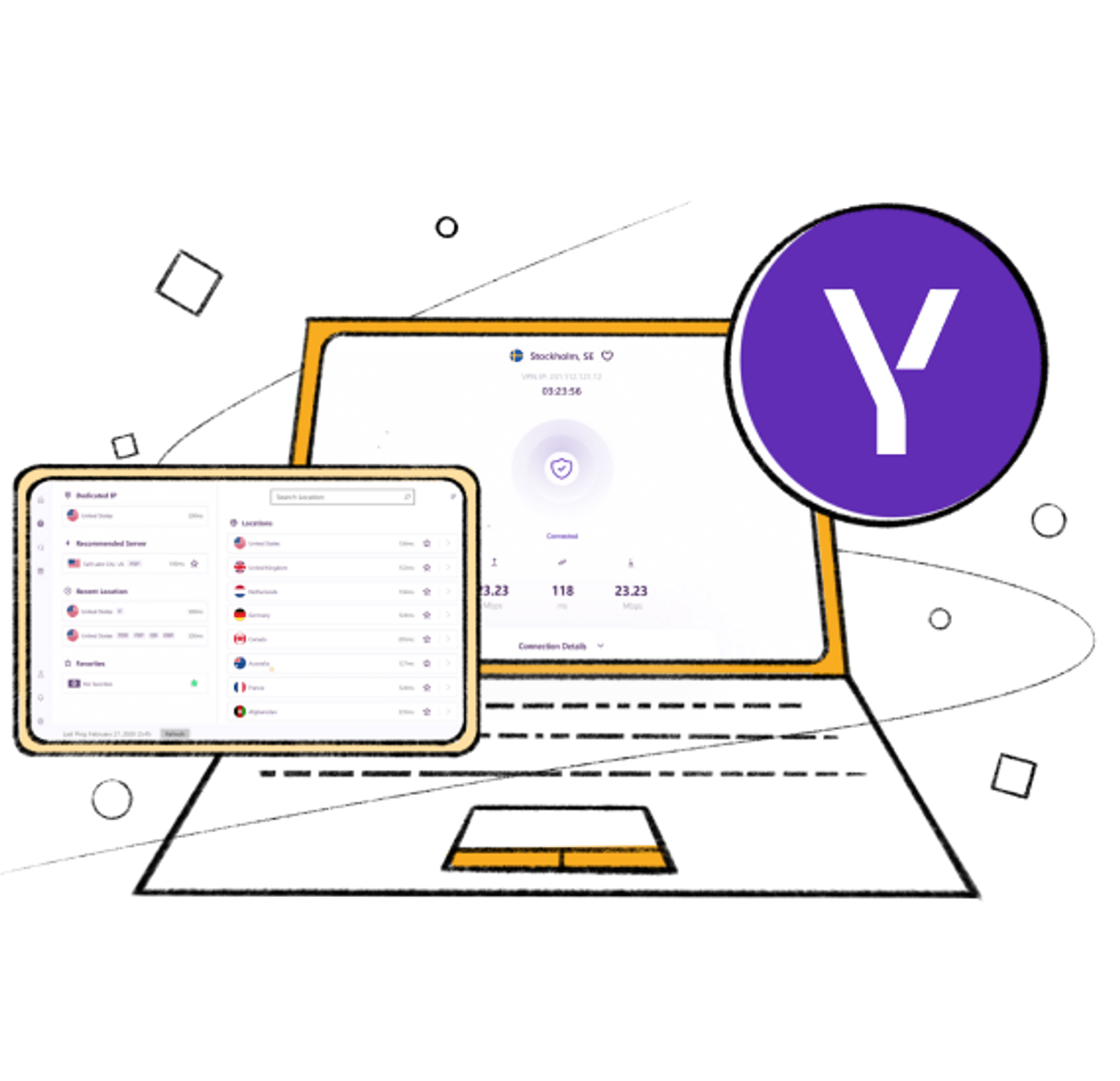
How to set up a VPN for Yandex.com in 3 simple steps
Just follow these simple steps:
Step 1
Get a PureVPN plan that best suits your needs.
Step 2
Download our VPN software, app, or extension and log in.
Step 3
Hit “Connect” and browse securely while using Yandex.com!
Why is PureVPN the best VPN for Yandex.com?
Access any website
With unrestricted access to 6,500 servers in 70 countries, PureVPN empowers you to effortlessly Access any website, service, or app within minutes.

Browse safely
PureVPN protects all your online traffic using best-in-class encryption, meaning you can go about your online activities safely and with peace of mind.
High-speed streaming
Enjoy watching your favorite movies and TV shows at ultra-fast speeds with minimal buffering issues through PureVPN’s 20 Gbps servers.


Privacy protection
Your real identity remains a secret with IP address masking, WebRTC leak protection, and an internet kill switch.
PureVPN 5 million+ satisfied users
Frequently asked questions
-
How do I set up a Yandex.com VPN?

All you have to do is download PureVPN on your mobile device, computer, or browser. Once done, launch the app, software, or extension and enter your credentials to log in. The final step is to connect to your desired VPN server, and you will be able to enjoy a safe, private, and restriction-free browsing experience on Yandex.com.
-
How do I switch off my Yandex.com VPN?
When you are done using PureVPN, simply hit the Disconnect button to switch off the VPN connection, and you are all set.
-
What is the best free VPN for Yandex.com?
None. Free VPN services usually come with serious limitations, such as bandwidth caps, intrusive ads, and questionable data collection practices. You should stick to premium VPNs like PureVPN for an unparalleled VPN experience on Yandex.com.
-
How can I access Yandex.com with a VPN?
If Yandex.com is blocked in your region, you can regain access using a high-quality VPN like PureVPN. Just follow these steps: