Best Password Manager for Apple
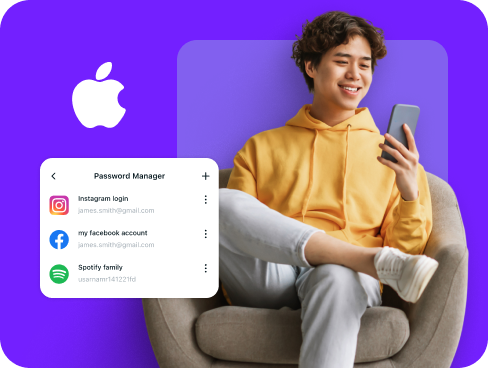
Keep your passwords safe across all Apple devices with PureVPN’s Password Manager. Sync between Mac, iPhone, and iPad, autofill credentials across apps and sites, and store notes, documents, and other sensitive data.


What is Apple Password Manager?
An Apple password manager securely stores, generates, and autofills your passwords across macOS, iOS, and iPadOS. Apple includes the Passwords app (previously iCloud Keychain) on all devices, but many users choose third-party managers for extras like non-Apple device sync, encrypted note storage, and more.
Why Do You Need a Password Manager on Apple?
Apple devices are secure, but accounts remain vulnerable if you reuse, forget, or rely on weak passwords. A password manager for Apple devices helps you to:
Manage All Your Credentials in One Place
From Mac to iPhone, organize and manage every account in one encrypted vault. Find credentials instantly without juggling apps or notes.
Create Strong, Unique Passwords
Replace guessable logins with complex, random ones. Every account gets its own password, blocking credential stuffing and brute-force attacks.
Log in Easily and Quickly
Skip the manual typing on every device. With autofill support, you can log into apps and websites across websites and apps in seconds.
Sync Passwords Across Devices
Pick up where you left off, whether it’s on Mac, iPhone, or iPad. Your vault stays updated in real time with encrypted sync across every device.
Store More Than Just Passwords
Keep payment cards, recovery codes, Wi-Fi details, and private notes in your secure vault, always within reach on your Apple devices.
What Makes PureVPN the Best Password Manager for Apple?
PureVPN’s Password Manager provides enterprise-grade security with simplicity. Here’s what sets it apart:
Auto-Fill Across Apps and Browsers
Fill logins instantly in Safari, Chrome, Firefox, and your favorite apps. No copying, no typing; just quick, secure access when you need it.
Cross-Device Syncing
Stay updated on every device. Your vault syncs securely across iPhone, iPad, Mac, and even non-Apple platforms with end-to-end encryption.
Biometric Lock + Master Password Protection
Use Face ID or Touch ID to unlock quickly, or use your master password. Two layers of protection keep your vault secure at all times.
Encrypted Notes for Sensitive Data
Keep more than passwords safe. Store recovery codes, payment details, software keys, and private notes inside a searchable vault.
Built-In Password Generator
Generate unique, complex passwords in seconds, then save them directly into your vault from any Apple device.
Monitor Your Vault’s Health
Stay ahead with real-time alerts for weak or reused credentials, so you can update them before hackers can take advantage.
The Real Power Is in the Integration
Most managers only store credentials. PureVPN adds VPN encryption, securing your logins, syncs and other activity:
Logins That Leave No Trace
When you sign in across Safari or apps, we hide the IP and location normally tied to that login. Nothing identifying is left for outsiders to track.
Invisible by Design
Your password manager traffic flows inside the VPN connection. No separate streams, no visible patterns; everything flows through one encrypted channel.
One App, One Encrypted Ecosystem
Get VPN protection, password management, and tracker blocker in one single app. Everything runs together, leaving nothing exposed in between.
Protection That Activates Instantly
The moment PureVPN connects, traffic is encrypted and your IP stays hidden. Every login and sync flows through the tunnel, shielded alongside your already-secured vault.
How to Set Up PureVPN’s Password Manager on Apple
Follow these simple steps to get started:
Step 1

Download PureVPN on your Mac, iPhone, or iPad.
Step 2

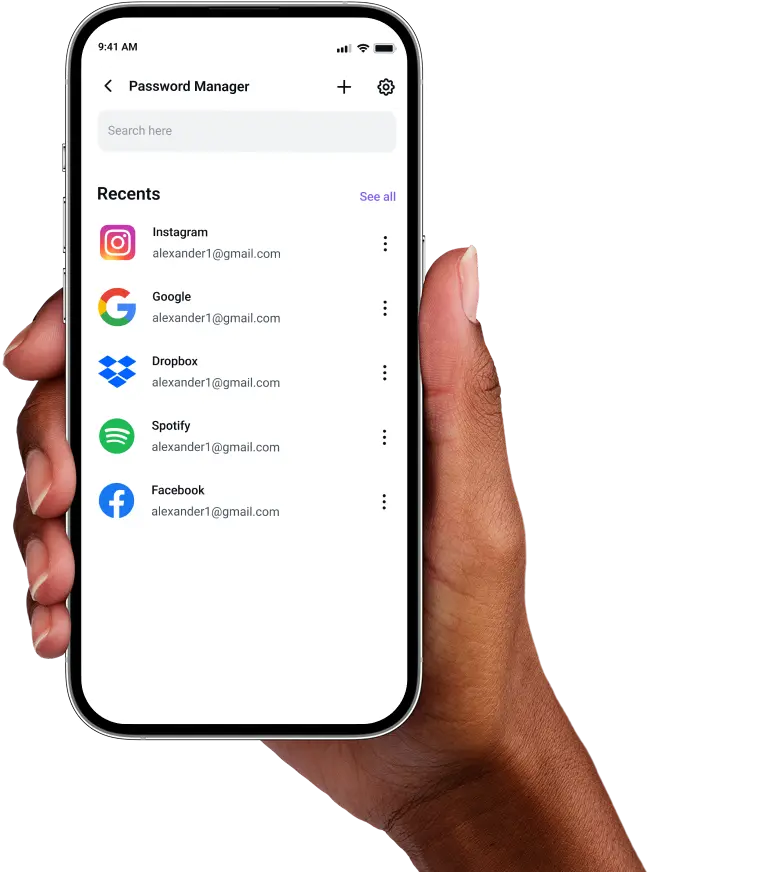
Open Password Manager, set your master password, and test out the other features.
Step 3

Import existing passwords, then start generating and storing credentials with ease.

Frequently Asked Questions
Find answers to common questions about PureVPN Password Manager here.
Does Apple have a free password manager?


Yes, Apple includes the Passwords app (formerly iCloud Keychain) free on all devices running iOS 15, iPadOS 15, and macOS Monterey or later. It stores and syncs passwords across Apple devices but lacks features like cross-platform support.
Why should I use a third-party password manager on my Apple?
Third-party managers add capabilities Apple’s solution lacks: Windows and Android sync, shared vaults for families, encrypted file storage, and detailed security audits. You also gain independence from Apple’s ecosystem while maintaining the same seamless experience.
Are Apple password managers safe?
Yes, reputable password managers like PureVPN use the same AES-256 encryption as banks and governments. Plus, with zero-knowledge architecture, only you can access your data; even we cannot decrypt it!
What is the best Apple password manager?
The best password manager for Apple users combines native integration with advanced features. PureVPN excels here, offering Touch ID/Face ID support, autofill support, and VPN integration in one app.