Best Password Manager for Firefox
Protect your Firefox credentials with PureVPN’s Password Manager. Generate strong passwords, fill them automatically, and keep every credential synced and encrypted in one secure vault.


What is Firefox Password Manager?
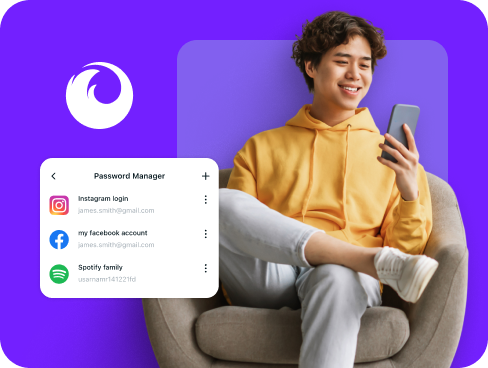
A Firefox password manager stores your logins, generates strong passwords, and autofills them across websites and apps. While Firefox includes its own built-in password manager, many users choose third-party managers for advanced security features like health checks and encrypted notes.
Why Do You Need a Password Manager on Firefox?
Even with Firefox’s privacy-focused design, your accounts remain at risk if you use weak, repeated, or easily guessed passwords. A dedicated password manager eliminates these vulnerabilities by helping you:
Manage All Your Credentials in One Place
Between work accounts, social media, and online services, tracking passwords becomes impossible. Keep your credentials organized and locked away in one place, instantly accessible whenever you need them.
Create Strong, Unique Passwords
Using one password across multiple accounts is a recipe for disaster. Generate complex, randomized passwords for each account instantly to avoid credential stuffing and other password-based attacks.
Log in Easily and Quickly
Stop wasting time typing passwords or resetting forgotten ones. With autofill capabilities, you can sign into any website or app with a single click, making your browsing faster and frustration-free.
Sync Passwords Across Devices
Your passwords follow you everywhere you go. Whether you switch from Firefox on Windows to mobile browsing, your credentials stay encrypted, backed up, and ready across all your devices.
Store More Than Just Passwords
Save payment cards, software keys, Wi-Fi details, private notes, and other sensitive data alongside your Firefox usernames and passwords. Everything is encrypted, organized, and always available to you.
What Makes PureVPN the Best Password Manager for Firefox?
PureVPN’s Password Manager gives Firefox users modern security tools in a clean, simple setup. Here’s what makes it different:
Auto-Fill Across Apps and Browsers
Log in with one click in supported browsers and apps. Autofill drops credentials instantly into forms, so you don’t have to type or juggle between windows.
Cross-Device Syncing
Your logins stay updated whether you’re on Firefox on your computer or Chrome on your phone. All changes sync securely across every platform.
Biometric Lock + Master Password Protection
Unlock with Face ID or fingerprint on compatible devices, with a master password as backup. Two layers combine speed with strong security.
Encrypted Notes for Sensitive Data
Save recovery codes, payment details, and personal notes under the same encryption as your logins. Everything sensitive stays protected and organized.
Built-In Password Generator
Create strong, unique passwords for new accounts or when updating old ones. Get tough combinations designed to withstand modern attacks.
Monitor Your Vault’s Health
Receive alerts when your stored passwords are weak, reused, or outdated, making it easy to strengthen accounts before attackers can exploit them.
The Real Power Is in the Integration
Standard password managers protect your credentials. Ours protects how you use them.
Logins That Leave No Trace
Your login activity travels through encrypted VPN tunnels, making it invisible to third parties. Plus, with our audited no-logs policy, there’s nothing that can be linked back to you.
Invisible by Design
Your password vault operates behind VPN protection. From credential syncing to form filling, everything happens within an encrypted connection that blocks outside visibility.
One App, One Encrypted Ecosystem
Stop juggling multiple security tools all the time. PureVPN merges your password manager, VPN connection, and tracker blocking into one easy-to-use app.
Protection That Activates Instantly
Open PureVPN and your connection encrypts right away. Browsing stays private, and vault activity rides through the same secure tunnel.
How to Set Up PureVPN’s Password Manager on Firefox
Get started with these simple steps:
Step 1

Download PureVPN or use the web app, then log into your account.
Step 2

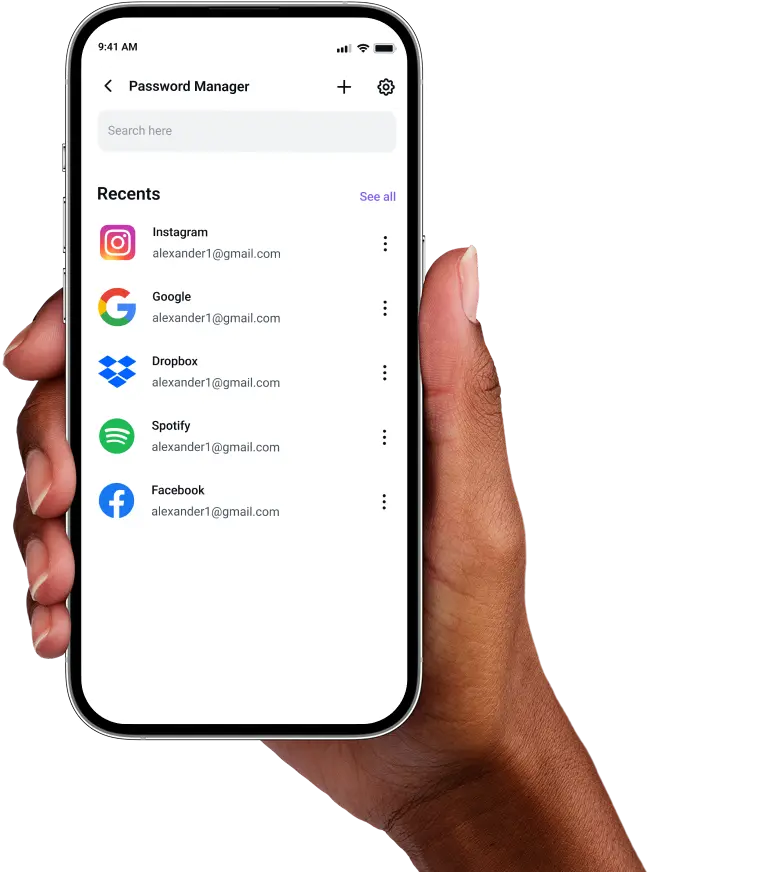
Go to Password Manager, create your master password, and explore the other features.
Step 3

Import existing passwords or add new ones, then let autofill handle the rest.

Frequently Asked Questions
Find answers to common questions about PureVPN Password Manager here.
Does Firefox have a free password manager?


Firefox includes a free built-in password storage feature that saves and syncs passwords across devices using your Firefox account. However, it lacks advanced features like encrypted notes and password health checks.
Why should I use a third-party password manager on Firefox?
Third-party password managers for Firefox work across all browsers and platforms, let you store notes and other sensitive information besides passwords, and even alert you when your logins are weak or reused.
Are Firefox password managers safe?
Yes, reputable password managers like PureVPN use bank-level AES 256-bit encryption and zero-knowledge architecture. Your data stays encrypted both in storage and during transmission.
What is the best Firefox password manager?
The best Firefox password manager offers strong encryption, easy access, and reliable syncing across devices. PureVPN’s Password Manager delivers all of that, plus the extra privacy of built-in VPN protection for your login activity.