Best Password Manager for Mobile
Keep all your login details safe on your mobile device with PureVPN’s encrypted Password Manager. Autofill passwords instantly, sync across devices, and organize your credentials, notes, and other sensitive info in one place.


What is Mobile Password Manager?
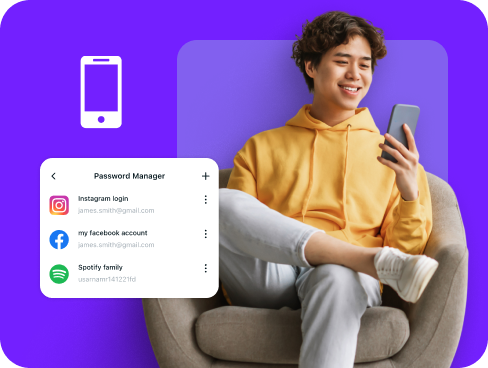
A mobile password manager stores your usernames and passwords, creates strong login credentials, and automatically fills them when you need to sign in. While iPhone has the Passwords app and Android includes Google Password Manager, these built-in tools are limited. Dedicated password managers offer stronger security, more flexibility, and work across all your apps, browsers, and devices.
Why Do You Need a Password Manager on Mobile?
Your mobile device holds the keys to your digital life. Without proper password protection, every account you access becomes a potential security risk. A mobile password manager protects you by:
Manage All Your Credentials in One Place
Between banking apps, social media, and email accounts, you probably have more logins than you can remember. A password manager stores them all in one secure location for instant access.
Create Strong, Unique Passwords
Using one password everywhere puts all your accounts at risk. A password manager creates complex, random passwords for each account, protecting you from hackers who try to break in.
Log in Easily and Quickly
Stop wasting time typing passwords on your small mobile keyboard. With automatic form detection and autofill capabilities, you can access your accounts in seconds without the hassle.
Sync Passwords Across Devices
Your passwords follow you from phone to tablet to computer. Whether you’re at home or traveling abroad, your login details stay synchronized and safely backed up across all your devices.
Store More Than Just Passwords
You can also save payment cards, private notes, and Wi-Fi passwords with the same protection as your logins. Everything stays encrypted and easy to access, right on your mobile device.
What Makes PureVPN the Best Password Manager for Mobile?
PureVPN’s Password Manager delivers enterprise-grade security in a simple mobile interface. Here’s what sets it apart:
Auto-Fill Across Apps and Safari
Sign into any app or website without typing. Our autofill feature works seamlessly across your mobile browser and supported apps, saving you time and frustration.
Cross-Device Syncing
Switch between your phone, tablet, and computer without missing a beat. Your passwords stay encrypted and synced across all platforms for whenever you need them.
Biometric Lock + Master Password Protection
Use Biometric Lock on the web app to access your vault instantly with fingerprint or face recognition, or stick to a strong master password as a secure fallback option.
Encrypted Notes for Sensitive Data
Keep confidential information beyond passwords secure. Store payment cards, personal notes, network credentials, and other private data in your encrypted vault.
Built-In Password Generator
Stop using predictable passwords. Generate complex, random credentials with a single tap whenever you create new accounts or update existing ones.
Monitor Your Vault’s Health
Stay ahead of security risks with password health monitoring. Get notified about weak, duplicate, or outdated passwords and update them before problems arise.
The Real Power Is in the Integration
Unlike standalone password managers, PureVPN protects both your stored passwords and your connection when you use them.
Logins That Leave No Trace
Cybercriminals track IP addresses and connection data to target victims. PureVPN masks this information completely, backed by a verified no-logs policy that ensures zero tracking.
Invisible by Design
Every password autofill and vault sync happens through an encrypted VPN tunnel. Your login activity remains completely hidden from prying eyes.
One App, One Encrypted Ecosystem
Access your password vault, VPN protection, and tracker blocking through one unified mobile app. No gaps between tools means no vulnerabilities to exploit.
Protection That Activates Instantly
The moment you launch the app, multiple security layers activate—your connection encrypts, your location masks, and your vault remains locked behind strong protection.
How to Set Up PureVPN’s Password Manager on Mobile
Start protecting your passwords in under two minutes with these simple steps:
Step 1

Download the PureVPN iOS or Android app and sign into your account
Step 2

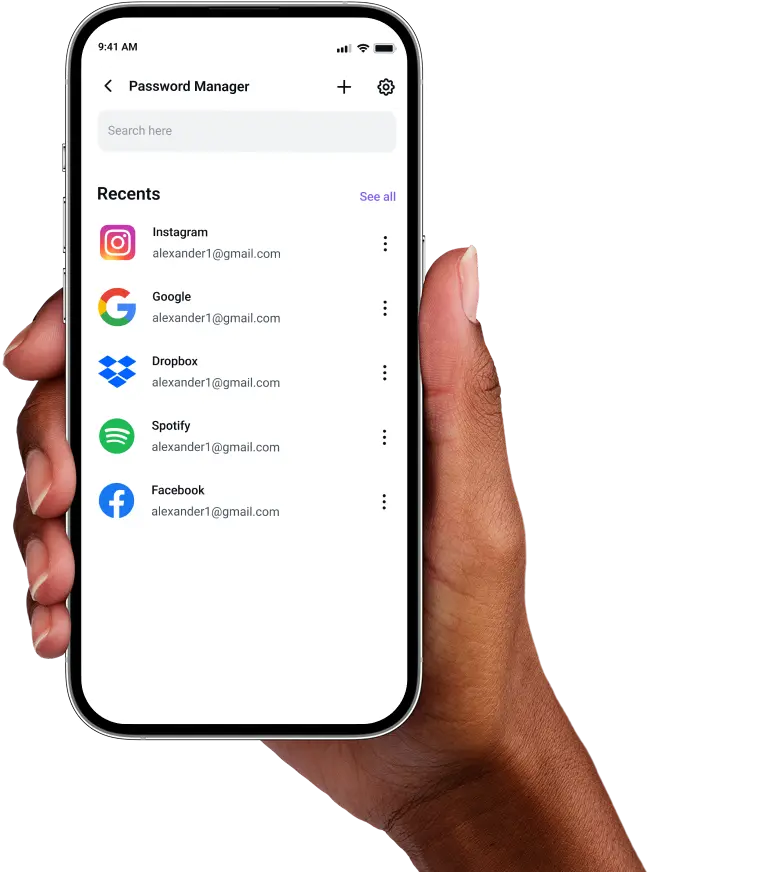
Tap Password Manager and create a master password.
Step 3

Add your credentials manually or import them and generate strong, unique passwords.

Frequently Asked Questions
Find answers to common questions about PureVPN Password Manager here.
Does Apple have a free password manager?


Android devices include Google Password Manager, while iOS devices have the Passwords app. Both are free but work best within their own ecosystems and lack advanced security features.
Why should I use a third-party password manager on my iPhone?
Third-party password managers work across all platforms, not just one ecosystem. They provide stronger password generation, secure note storage, and better organization tools than built-in options.
Are iPhone password managers safe?
Mobile password managers from reputable providers like PureVPN use military-grade AES 256-bit encryption, biometric authentication, and zero-knowledge architecture. This means even the company cannot see your passwords.
What is the best iPhone password manager?
The best mobile password manager combines bulletproof security with everyday convenience. PureVPN delivers both through encrypted storage, biometric access, cross-platform syncing, and integrated VPN protection in one app.