


What is censia
Censia is a talent intelligence platform that uses artificial intelligence to help companies find suitable candidates for job openings. It collects and analyzes professional data from various sources to create comprehensive talent profiles, serving as a powerful recruiting tool for companies looking to streamline their hiring processes.
Send Recurring Data Removal Requests
PureVPN empowers you to manage your privacy, keeps you secure and helps you enjoy online freedom.
Automate
Your Information Removal
PureVPN empowers you to manage your privacy, keeps you secure and helps you enjoy online freedom.
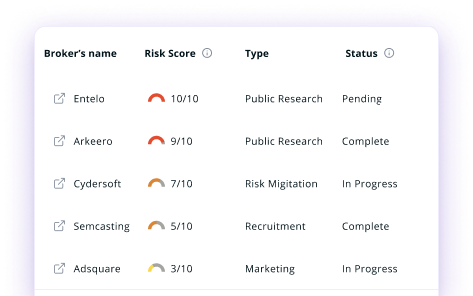

Manage Your Privacy
Minimize Data Exposure
Avoid Reputation Damage
Protect your privacy on multiple platforms from scammers, hackers, and surveillance.
How to Opt-Out of censia With PureVPN
Step 1

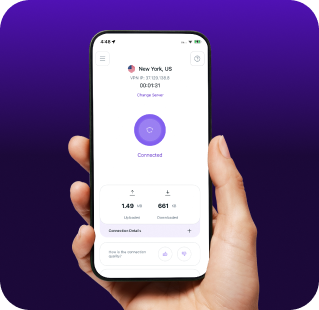
Subscribe to PureVPN and download our app.
Step 2
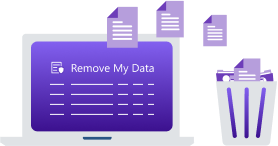
Start removing your data using the Remove My Data feature.
Step 3
Avoid data theft monitoring, and online tracking in future!

Types of Data Censia Collects
Professional Data
Censia tracks your work history, job titles, employers, career progression, and professional achievements. It also gathers information about your skills, certifications, and expertise areas to create a comprehensive professional profile.

Personal Data
Censia collects your education background, contact details, location history, and demographic. It might also compile data about your public social media profiles, professional connections, and networking activities.

Performance Data
Censia gathers information about your work performance, project history, and professional accomplishments, so it can assess whether you’re a potential fit for specific roles when companies use their platform for talent acquisition.

How Does Censia Collect Your Data?
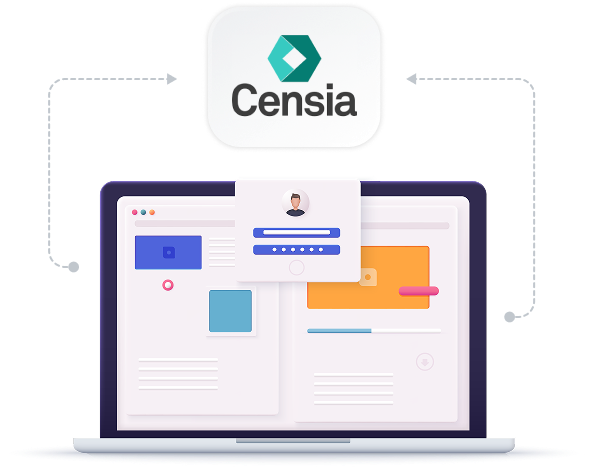
Censia pulls data from public professional profiles, resume databases, company websites, professional networks, and social media platforms. It also obtains information from partner organizations, job boards, and public records. This information is then compiled and analyzed with AI technology to create comprehensive talent profiles used by recruiters and hiring managers.


How to Opt-Out of censia Manually
- Visit the Censia website and scroll down to the footer.
- Click the CCPA link and go to the “Exercise Your Right” section.
- Open the opt-out form and enter the required info, such as name, phone number, email address, etc.
- Check the “Delete my PI” box.
- Submit the form once done to finalize your deletion request.
Step-by-Step Guide to Manually Opting Out of Censia

Frequently Asked Questions
Read on to find answers to frequently asked questions about PureVPN
What are the benefits of Censia opt-out?


By opting out of Censia, you can protect your career information from being shared without your knowledge. It also reduces the chance of recruiters contacting you based on outdated information, limits your exposure to job-related spam, and gives you more control over how your professional data is used.
Can Censia track me after the data removal request?
Yes, your information may reappear in their database if it remains public on other platforms. Censia regularly updates its database from various sources, potentially re-collecting your information.
What happens when you freeze Censia?
When you opt out of Censia, they should stop processing your personal information and remove your profile from their talent database, making you invisible to recruiters using their platform.
How can I get PureVPN for data removal?
Sign up for PureMax, download the PureVPN app for your device, and go to Remove My Data to get your personal information deleted from dozens of brokers, including Censia.