


What is CheckPeople
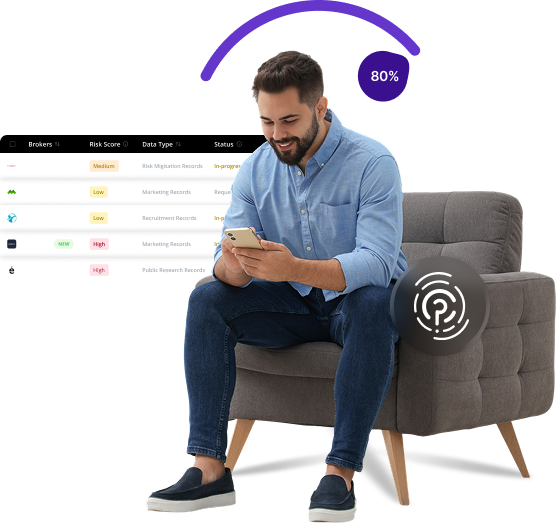
CheckPeople is a people search database that allows users to look up personal information about others through public records. The service compiles data from various sources including court records, property information, and social media profiles. Many people use CheckPeople for background checks, finding lost connections, or verifying someone’s identity.
Send Recurring Data Removal Requests
PureVPN empowers you to manage your privacy, keeps you secure and helps you enjoy online freedom.
Automate
Your Information Removal
PureVPN empowers you to manage your privacy, keeps you secure and helps you enjoy online freedom.
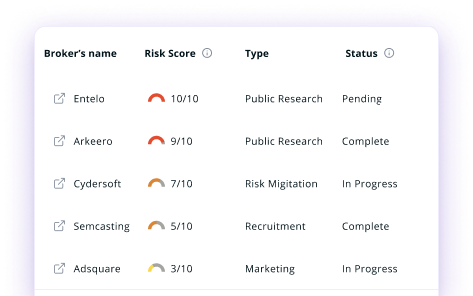

Manage Your Privacy
Minimize Data Exposure
Avoid Reputation Damage
Protect your privacy on multiple platforms from scammers, hackers, and surveillance.
How to Opt-Out of CheckPeople With PureVPN
Step 1

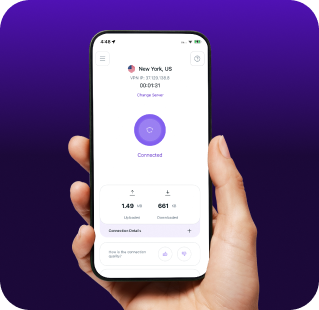
Subscribe to PureVPN and download our app.
Step 2
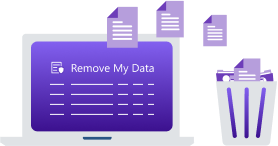
Start removing your data using the Remove My Data feature.
Step 3
Avoid data theft monitoring, and online tracking in future!

Types of Data CheckPeople Collects
Personal Data
CheckPeople collects your name, birth date, contact details, and addresses, along with info on relatives, associates, and neighbors to build detailed relationship networks.

Public Records
CheckPeople gathers court cases, criminal and traffic records, marital history, property details, tax liens, and bankruptcies linked to your name.

Digital Footprint
CheckPeople compiles social media, professional, education, and job history into a detailed digital profile accessible through a simple search.

How Does CheckPeople Collect Your Data?
CheckPeople obtains your information from various public sources, including government databases, court records, property records, and voter registrations. They also gather data from publicly available social media profiles and professional networking sites. CheckPeople combines all this information into comprehensive reports that can be purchased by anyone, often without your knowledge or consent.


How to Opt-Out of CheckPeople Manually
- Visit the CheckPeople website to start your removal process.
- Scroll down and click the “Do Not Sell or Share my Personal Information” link.
- Enter your first and last name along with your city and state in the form, then click “Search”.
- Click “Remove Record” and complete the confirmation form. Once done, hit the “Submit request” button.
- You will receive an email from CheckPeople. Open it and click “Confirm request” to finish the process.
Step-by-Step Guide to Manually Opting Out of CheckPeople

Frequently Asked Questions
Read on to find answers to frequently asked questions about PureVPN
What are the benefits of CheckPeople opt-out?


By opting out of CheckPeople, you can reduce your digital footprint, making it harder for strangers to access your personal information. It also helps prevent identity theft, minimizes unwanted solicitations, and gives you more control over who can see details about you.
Can CheckPeople track me after the data removal request?
Yes, your information may reappear in their database if new public records are created. Regular monitoring is necessary to maintain your privacy over time.
What happens when you freeze CheckPeople?
They will remove your personal profile from their searchable database. However, this does not delete the actual public records they source from. The information becomes inaccessible through their platform but still exists in original government databases.
How can I get PureVPN for data removal?
You will need a PureMax subscription to access Remove My Data. Simply go to the Remove My Data section within the PureVPN app to send data removal requests to more than 100 brokers, including CheckPeople.