


What is email-tracer
Email Tracer is a sophisticated tracking service that monitors email communications, providing senders with data on when recipients open emails, click links, and their location information. Many marketing companies and individuals use Email Tracer to gather intelligence on email engagement patterns and recipient behavior.
Send Recurring Data Removal Requests
PureVPN empowers you to manage your privacy, keeps you secure and helps you enjoy online freedom.
Automate
Your Information Removal
PureVPN empowers you to manage your privacy, keeps you secure and helps you enjoy online freedom.
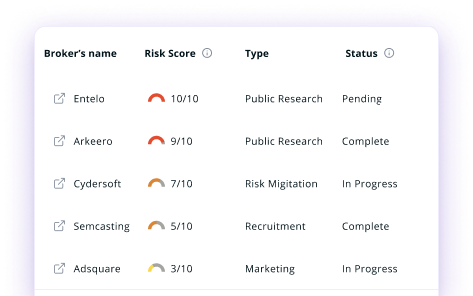

Manage Your Privacy
Minimize Data Exposure
Avoid Reputation Damage
Protect your privacy on multiple platforms from scammers, hackers, and surveillance.
How to Opt-Out of email-tracer With PureVPN
Step 1

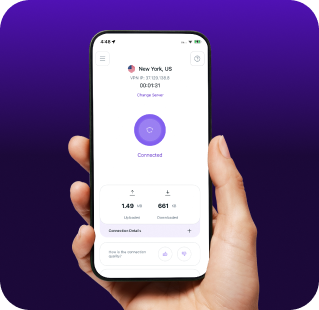
Subscribe to PureVPN and download our app.
Step 2
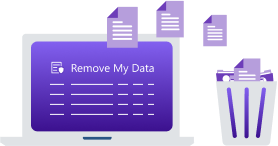
Start removing your data using the Remove My Data feature.
Step 3
Avoid data theft monitoring, and online tracking in future!

Types of Data Email Tracer Collects
Email Interaction Data
Email Tracer tracks when you open emails, how many times you view them, and which links you click within messages. It creates a comprehensive timeline of your email engagement habits that senders can analyze.

Location Information
Email Tracker captures your approximate geographic location when you open tracked emails. This includes your city, state, and sometimes even more precise coordinates depending on your device settings and permissions.

Device Information
Email Tracer collects data about what devices you use to check emails, your operating system, browser type, and screen resolution. This technical profile helps marketers segment audiences and tailor future communications.

How Does Email Tracer Collect Your Data?
Email Tracer embeds invisible tracking pixels (1x1 transparent images) into emails you receive. When you open these emails, the pixel loads from their server, recording your activity. They also use specialized link tracking that redirects through their servers before sending you to the intended destination. This technology works across most email clients and devices, gathering information without your explicit knowledge or consent.


How to Opt-Out of email-tracer Manually
- Visit the Email Tracer opt-out page at emailtracer.com/optout.
- Input your first and last name, select your state, and complete the CAPTCHA. Click "Submit."
- If your information appears, select your record and click "Remove Data."
- Enter your email address and complete the CAPTCHA to confirm your request.
- A confirmation link will be sent to your email, click it to finalize the opt out.
Step-by-Step Guide to Manually Opting Out of Email Tracer

Frequently Asked Questions
Read on to find answers to frequently asked questions about PureVPN
What are the benefits of Email Tracer opt-out?


By opting out of Email Tracer, you can prevent companies from monitoring your email activity, reduce your exposure to targeted marketing, and lower risks of behavioral profiling that can lead to manipulation.
Can Email Tracer track me after the data removal request?
Yes, new tracking attempts can occur when you receive emails from different senders using their service. Complete protection requires ongoing monitoring and proper email privacy settings.
What happens when you freeze Email Tracer?
They should stop processing your personal information and remove existing data from their systems. However, this does not automatically block future tracking attempts from new senders using their platform.
How can I get PureVPN for data removal?
Sign up for PureMax, download the PureVPN app on your device, log into your account, and go to Remove My Data to send automated, recurring data deletion requests to Email Tracer.