


What is familytreenow
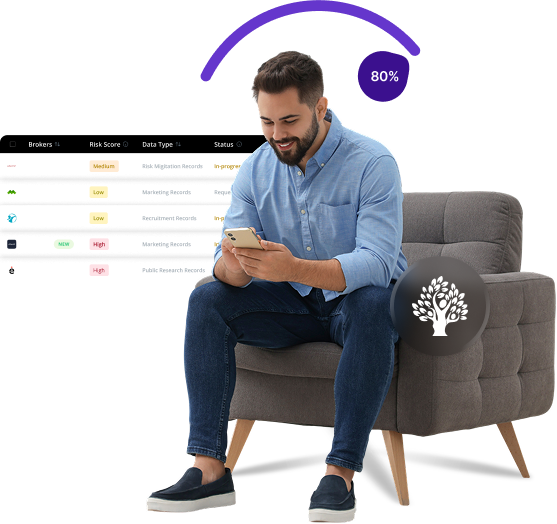
FamilyTreeNow is a people search website with free access to public records including personal information, home addresses, family connections, and birth records. While the site claims to assist with genealogy research, it provides sensitive personal data without requiring user consent, which raises privacy concerns for many individuals.
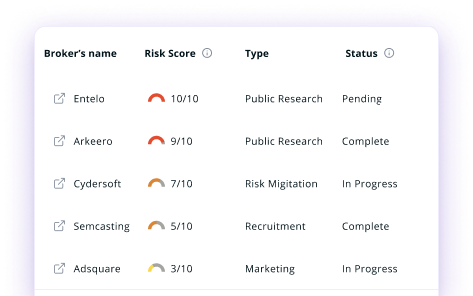
Send Recurring Data Removal Requests
PureVPN empowers you to manage your privacy, keeps you secure and helps you enjoy online freedom.
Automate
Your Information Removal
PureVPN empowers you to manage your privacy, keeps you secure and helps you enjoy online freedom.

Manage Your Privacy
Minimize Data Exposure
Avoid Reputation Damage
Protect your privacy on multiple platforms from scammers, hackers, and surveillance.
How to Opt-Out of familytreenow With PureVPN
Step 1

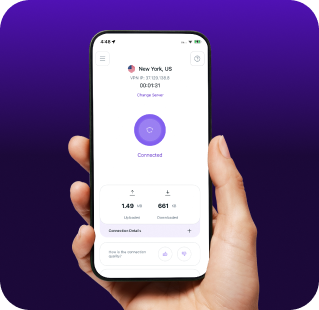
Subscribe to PureVPN and download our app.
Step 2
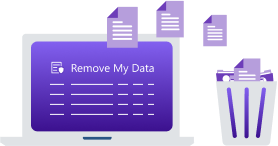
Start removing your data using the Remove My Data feature.
Step 3

Avoid data theft monitoring, and online tracking in future!

Types of Data FamilyTreeNow Collects
Personal Data
FamilyTreeNow gathers your name, age, birthdate, gender, aliases, and other personal details from public records.

Contact Information
FamilyTreeNow collects and publicly displays your current and past addresses, phone numbers, and emails—often in chronological order to show your location history.

Relationship Data
FamilyTreeNow builds a social network around your identity by mapping relatives, associates, and connections—like family, roommates, partners, and neighbors—from public records.

How Does FamilyTreeNow Collect Your Data?
FamilyTreeNow aggregates information from various public sources, including government records, property deeds, voter registrations, and court documents. It also gathers publicly available census data, birth certificates, marriage licenses, and death records. By combining these diverse data points, the site creates detailed personal profiles without directly obtaining permission from the individuals listed.


How to Opt-Out of familytreenow Manually
- Go to the FamilyTreeNow opt-out page: www.familytreenow.com/optout and enter your email, complete the CAPTCHA, then click “Begin Opt Out Procedure.”
- Provide your first and last name, city, state, and birth year, then click “Search.”
- Locate your correct record in the search results and click "View Details."
- Click the red "Opt Out" button on your record page, then confirm the request via the verification link sent to your email within 24 hours.
- Allow 48–72 hours for your information to be removed from FamilyTreeNow’s public database.
Step-by-Step Guide to Manually Opting Out of FamilyTreeNow

Frequently Asked Questions
Read on to find answers to frequently asked questions about PureVPN
What are the benefits of FamilyTreeNow opt-out?


By opting out of FamilyTreeNow, you can remove your personal information from public view and reduce your risk of stalking, harassment, and identity theft. It also limits access to your home address, family connections, and personal history.
Can FamilyTreeNow track me after the data removal request?
Yes, your information may reappear in their database as they periodically update their records from public sources. Additionally, other similar websites might still display your data if you have not opted out from them as well.
What happens when you freeze FamilyTreeNow?
They remove your personal records from public search results on their platform. However, they do not delete the information from their database entirely. Your data becomes unavailable to general users searching the site, but might still exist in their backend systems.
How can I get PureVPN for data removal?
To access Remove My Data, you will need to sign up for PureMax. Once done, download the app for your device and go to the Remove My Data section to send automated data removal requests to 100+ brokers.