


What is MyLife
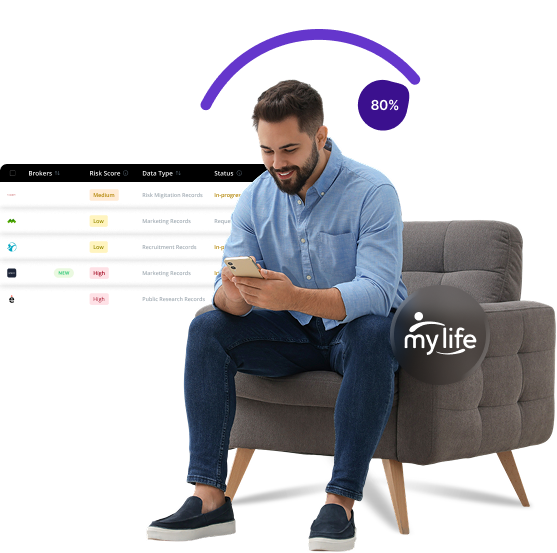
MyLife is a data broker that creates and maintains "reputation profiles" of individuals by aggregating personal information from various public sources. These profiles include personal details, background information, and even reputation scores that can affect how others perceive you online. The company sells access to this information to interested parties looking for background details on individuals.
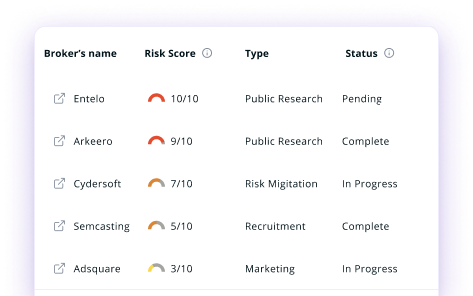
Send Recurring Data Removal Requests
PureVPN empowers you to manage your privacy, keeps you secure and helps you enjoy online freedom.
Automate
Your Information Removal
PureVPN empowers you to manage your privacy, keeps you secure and helps you enjoy online freedom.

Manage Your Privacy
Minimize Data Exposure
Avoid Reputation Damage
Protect your privacy on multiple platforms from scammers, hackers, and surveillance.
How to Opt-Out of MyLife With PureVPN
Step 1

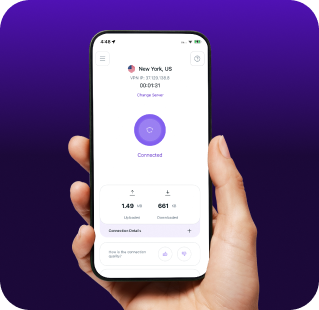
Subscribe to PureVPN and download our app.
Step 2
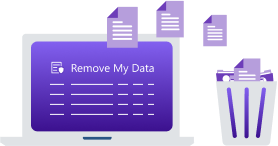
Start removing your data using the Remove My Data feature.
Step 3
Avoid data theft monitoring, and online tracking in future!

Types of Data MyLife Collects
Personal Data
MyLife collects your full name, age, date of birth, addresses, phone numbers, and family member information, linking you to relatives in their database.

Background Information
MyLife compiles your professional history, education, criminal records, marital status, court records, and property ownership to build a detailed profile.

Digital Footprint
MyLife tracks your social media, online photos, and web activity, combining them with public records to create a "reputation profile" and score accessible to others.

How Does MyLife Collect Your Data?
MyLife scrapes information from multiple public sources, including government databases, court systems, and property registries. They also gather information from social media platforms, professional networks, and other online directories. Also, MyLife purchases data from third-party vendors and aggregators to supplement their profiles.


How to Opt-Out of MyLife Manually
- Visit the MyLife privacy policy page at www.mylife.com/privacy-policy.
- Scroll down to the "Opt-Out Choices" section and click the opt-out link to initiate the process.
- Search for your profile using your name, age, and location.
- Select your profile from the search results page.
- Click the “Remove this info” button usually found near the bottom of your profile page to request the removal of your profile.
Step-by-Step Guide to Manually Opting Out of MyLife

Frequently Asked Questions
Read on to find answers to frequently asked questions about PureVPN
What are the benefits of MyLife opt-out?


By opting out of MyLife, you can protect your personal information from being openly accessible to strangers. It reduces your exposure to identity theft risks, limits targeted marketing based on your personal details, and prevents others from making judgments about you based on potentially inaccurate reputation scores.
Can MyLife track me after the data removal request?
Yes. Even after completing the MyLife opt-out process, the company may recollect your information from public sources. Your data can reappear in their database if you do not maintain vigilance over your digital presence and public records.
What happens when you freeze MyLife?
When you opt out or freeze your MyLife profile, they should remove your personal information from their public database, meaning your profile will no longer appear in search results, and your personal information should not be accessible through their platform to random visitors or subscribers.
How can I get PureVPN for data removal?
Just get a PureMax account. After that, log into the app, open the Remove My Data section, and send automated removal requests to 100+ brokers, including MyLife.