


What is SpyFly
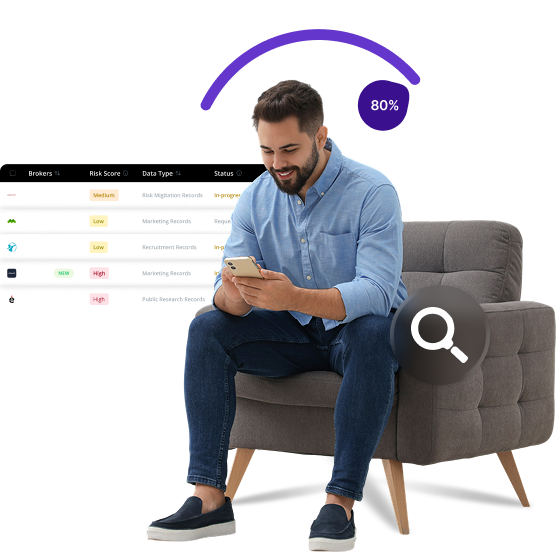
SpyFly is a people search platform that aggregates public records, providing users with background check services and personal information lookup tools. It collects data from various public sources and creates comprehensive profiles that anyone can access with a subscription. Individuals searching for information about others can use SpyFly to find their personal details within minutes.
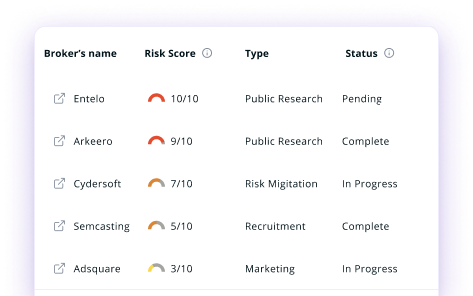
Send Recurring Data Removal Requests
PureVPN empowers you to manage your privacy, keeps you secure and helps you enjoy online freedom.
Automate
Your Information Removal
PureVPN empowers you to manage your privacy, keeps you secure and helps you enjoy online freedom.

Manage Your Privacy
Minimize Data Exposure
Avoid Reputation Damage
Protect your privacy on multiple platforms from scammers, hackers, and surveillance.
How to Opt-Out of SpyFly With PureVPN
Step 1

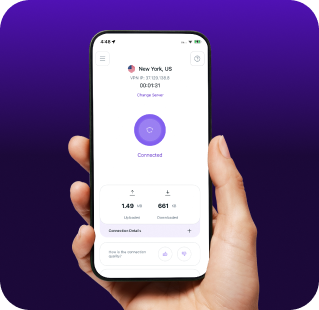
Subscribe to PureVPN and download our app.
Step 2
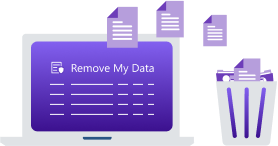
Start removing your data using the Remove My Data feature.
Step 3
Avoid data theft monitoring, and online tracking in future!

Types of Data SpyFly Collects
Personal Data
SpyFly collects your full name, birth date, current and past addresses, phone numbers, and email addresses, along with details about relatives, associates, and neighbors to build detailed personal profiles.

Public Records
SpyFly gathers criminal, arrest, and court records, plus marriage, divorce, property, and business details to create a comprehensive personal history.

Social Media Data
SpyFly scans your social media to collect profiles, photos, posts, and connections, revealing personal habits, preferences, and relationships.

How Does SpyFly Collect Your Data?
SpyFly collects your information from public record databases, court documents, property records, and other government archives that are legally accessible. They also source data from commercial partners, including marketing databases and consumer reporting agencies. This information is compiled into detailed profiles, which users can search through their platform.


How to Opt-Out of SpyFly Manually
- Visit https://www.spyfly.com/help-center/remove-me-from-website and click on “Get Started.”
- Provide your first and last name, age, and state of residence. Complete the CAPTCHA and click “Continue.”
- Browse the search results to find your profile. Once located, click the “Remove” button next to your listing.
- Enter a valid email address, agree to the terms, complete the CAPTCHA, and click “Continue.”
- Check your email inbox for a message from SpyFly. Click the verification link within the email to finalize your opt-out request.
Step-by-Step Guide to Manually Opting Out of SpyFly

Frequently Asked Questions
Read on to find answers to frequently asked questions about PureVPN
What are the benefits of SpyFly opt-out?


By opting out of SpyFly, you can protect your personal information from being publicly accessible, reducing your risk of stalking or harassment, minimizing exposure to identity theft, and preventing others from easily finding your address, phone number, and family connections.
Can SpyFly track me after the data removal request?
Yes, your information may reappear in their database if new public records are created or if your data is obtained from other sources they monitor regularly.
What happens when you freeze SpyFly?
They will remove your personal profile from their search results, making your information inaccessible to users of their platform. However, this does not delete the public records themselves, only the aggregated profile SpyFly creates.
How can I get PureVPN for data removal?
Sign up for PureMax, launch the PureVPN app, and go to Remove My Data to start removing your info from SpyFly and dozens of other brokers.