
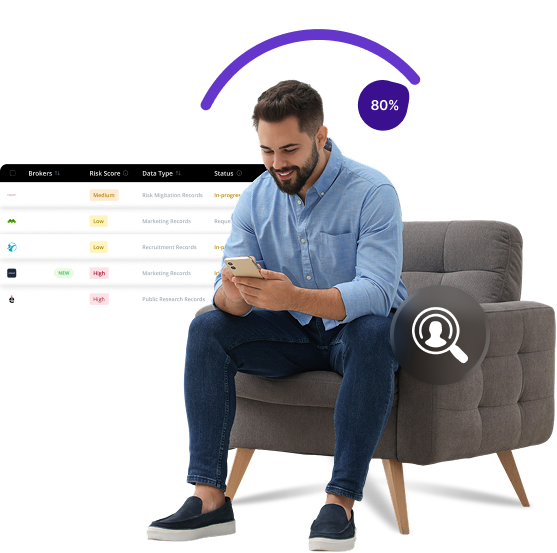


What is True People Search
TruePeopleSearch is a free people search engine that allows anyone to find personal information about individuals across the United States. The platform compiles public records, social media data, and contact details, making it accessible to anyone with internet access. Many users discover their personal information exposed on this site without their knowledge or consent.
Send Recurring Data Removal Requests
PureVPN empowers you to manage your privacy, keeps you secure and helps you enjoy online freedom.
Automate
Your Information Removal
PureVPN empowers you to manage your privacy, keeps you secure and helps you enjoy online freedom.
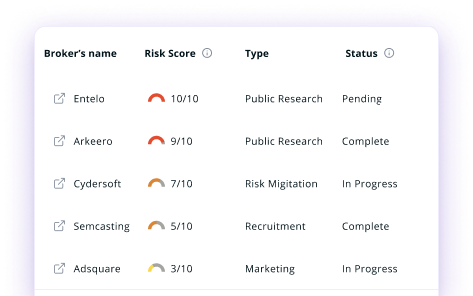

Manage Your Privacy
Minimize Data Exposure
Avoid Reputation Damage
Protect your privacy on multiple platforms from scammers, hackers, and surveillance.
How to Opt-Out of True People Search With PureVPN
Step 1

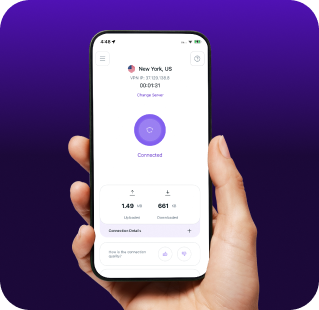
Subscribe to PureVPN and download our app.
Step 2
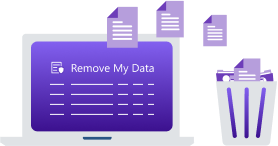
Start removing your data using the Remove My Data feature.
Step 3

Avoid data theft monitoring, and online tracking in future!

Types of Data TruePeopleSearch Collects
Personal Data
TruePeopleSearch aggregates your full name, age, date of birth, and aliases, along with current and past addresses, exposing your residential history to the public.

Contact Information
TruePeopleSearch displays your phone numbers, email addresses, and social media profiles, allowing anyone to contact you across channels without your consent.

Relationship Data
TruePeopleSearch maps your connections to family, relatives, associates, and neighbors, creating a publicly searchable profile of your personal life.

How Does TruePeopleSearch Collect Your Data?
TruePeopleSearch scrapes data from public records like voter registrations, property deeds, court filings, and marriage certificates. It also pulls information from marketing databases, social media platforms, and other people search sites. The platform continuously updates this information through automated systems that scan for new public records.


How to Opt-Out of True People Search Manually
- Go to www.truepeoplesearch.com/removal and search for your listing using your name and location.
- Find your record in the search results, click "View Details," and copy the URL of your profile page.
- Return to the removal page, paste the copied URL into the form, check the confirmation box, complete the CAPTCHA, and click "Submit."
- Open the confirmation email from TruePeopleSearch and click the verification link to complete the removal process.
- Check back after 24 to 48 hours to confirm your information has been deleted.
Step-by-Step Guide to Manually Opting Out of TruePeopleSearch

Frequently Asked Questions
Read on to find answers to frequently asked questions about PureVPN
What are the benefits of TruePeopleSearch opt-out?


By opting out TruePeopleSearch, you can reduce the risk of stalking and harassment by making your address and phone number harder to find. It also limits the exposure of your personal information to marketers, scammers, and identity thieves, making it more difficult for anyone to piece together details about your life.
Can TruePeopleSearch track me after the data removal request?
Yes, your information may reappear when the site updates its database with new public records. Your data can also remain visible on dozens of other people search websites if you do not remove it from each one individually.
What happens when you freeze TruePeopleSearch?
They will remove your personal profile from their public search results. However, they might still retain your information in their database. The removal only applies to the specific record you requested to remove, and new records may appear if your information changes or updates in public sources.
How can I get PureVPN for data removal?
Get PureMax, launch the PureVPN app, and go to the Remove My Data section. Once enabled, it will start sending automated data deletion requests to more than 100 brokers, including TruePeopleSearch.