
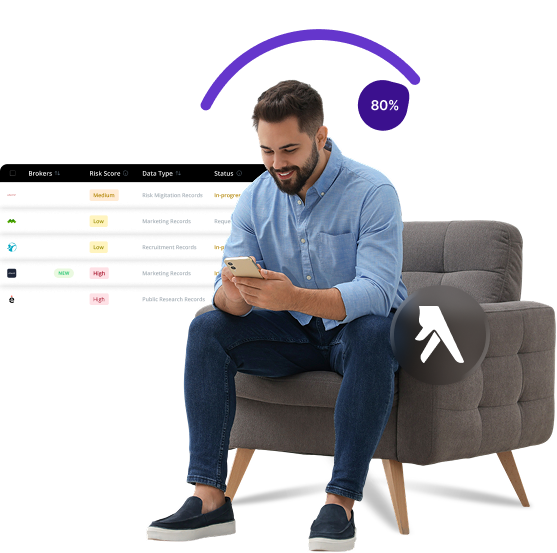


What is Yellow pages
Yellow Pages is a directory service that lists businesses by category rather than alphabetically by name. The directory provides contact information, addresses, and service details for local businesses. In the digital age, Yellow Pages has evolved into an online platform that connects consumers with businesses in their area.
Send Recurring Data Removal Requests
PureVPN empowers you to manage your privacy, keeps you secure and helps you enjoy online freedom.
Automate
Your Information Removal
PureVPN empowers you to manage your privacy, keeps you secure and helps you enjoy online freedom.
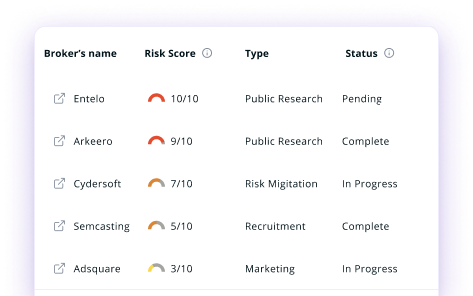

Manage Your Privacy
Minimize Data Exposure
Avoid Reputation Damage
Protect your privacy on multiple platforms from scammers, hackers, and surveillance.
How to Opt-Out of Yellow pages With PureVPN
Step 1

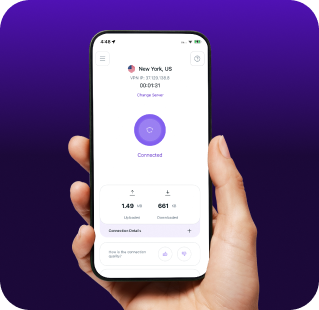
Subscribe to PureVPN and download our app.
Step 2
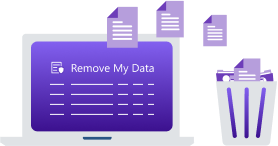
Start removing your data using the Remove My Data feature.
Step 3
Avoid data theft monitoring, and online tracking in future!

Types of Data Yellow Pages Collects
Business Data
Yellow Pages collects business names, addresses, phone numbers, and service categories, publishing them in print and online directories for public access.

Consumer Data
Yellow Pages may collect search queries, location data, and browsing patterns to build user profiles for personalized services and targeted marketing.

Contact Information
If you register with Yellow Pages, they may collect your name, address, phone number, and email, potentially sharing it with advertisers and partners in their network.

How Does Yellow Pages Collect Your Data?
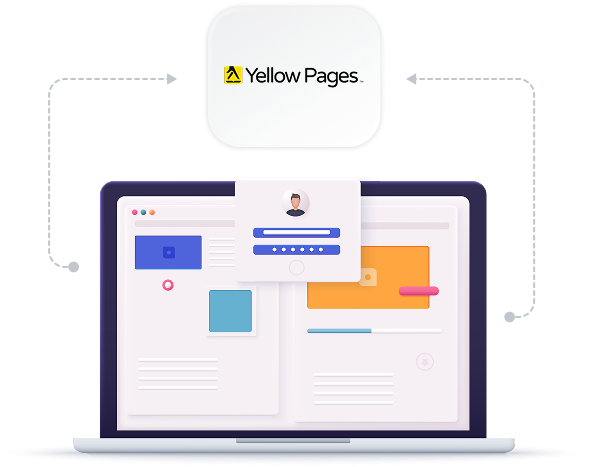
Yellow Pages gathers data when you interact with their websites or mobile apps, register accounts, or make business inquiries. They also purchase info from third-party providers and access public records. Plus, tracking technologies on their platforms monitor your interactions, allowing them to create detailed profiles based on your business interests and search behavior.


How to Opt-Out of Yellow pages Manually
- Go to https://www.yellowpagesoptout.com/ and search for your ZIP code.
- Click “Register Now” and fill out the form with your information. For privacy, consider using a masked email address.
- Check your inbox for a verification email and click the provided link to log in.
- Once logged in, click the green button to opt out. Select “Opt-Out of All” and save changes.
- Check the two confirmation boxes and click “Confirm” to complete the process.
Step-by-Step Guide to Manually Opting Out of Yellow Pages

Frequently Asked Questions
Read on to find answers to frequently asked questions about PureVPN
What are the benefits of Yellow Pages opt-out?


By opting out of Yellow Pages, you can protect your personal information from being widely distributed. This reduces unwanted marketing calls and mail, decreases your digital footprint, and lowers your risk of becoming a target for scammers who mine directories for potential victims.
Can Yellow Pages track me after the data removal request?
Yes, they might collect new information about you if you visit their websites or use their services again. Your data may also appear if you create new accounts or if businesses list you as a contact person.
What happens when you freeze Yellow Pages?
They will stop your personal contact information from appearing in their directories. The company stops sharing your existing data with third parties and halts the collection of new information associated with your profile.
How can I get PureVPN for data removal?
Sign up for PureMax, download the PureVPN app, and open Remove My Data to send automated deletion requests to over 100 data brokers, including Yellow Pages.