


Step 1
Sign up for PureVPN and add Residential Network to your plan.


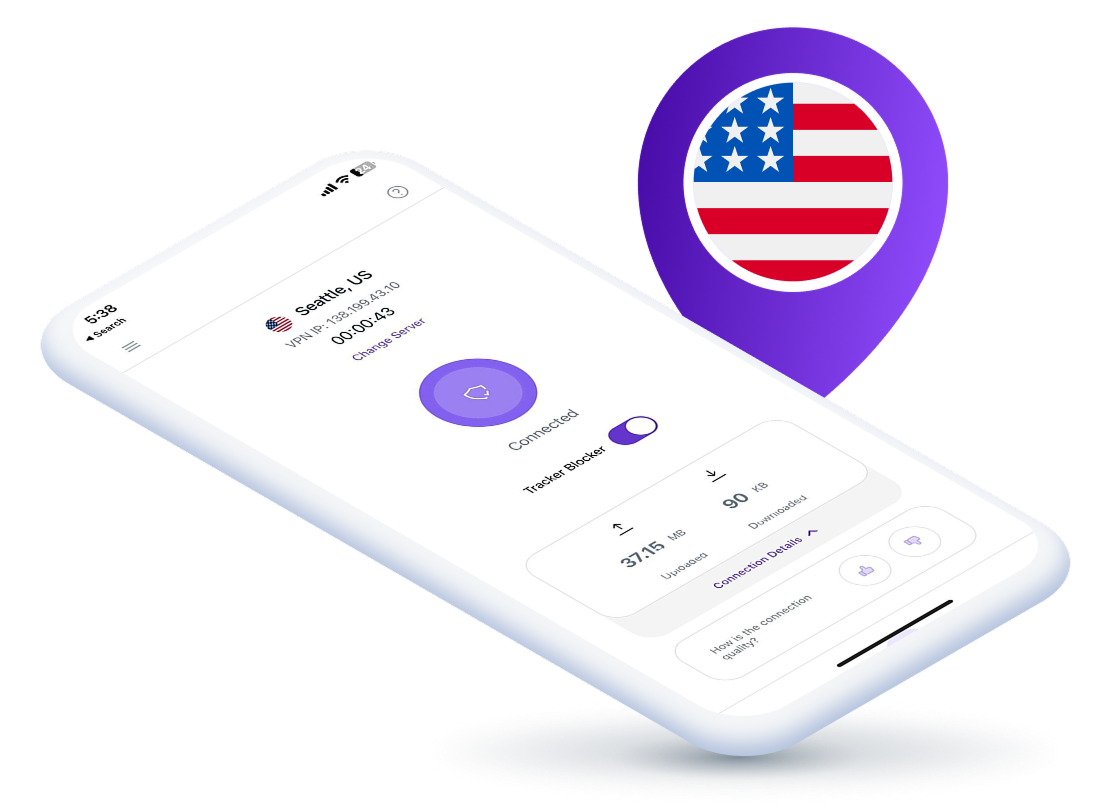
A US residential proxy routes your online traffic through real American IP addresses provided by genuine internet service providers, making your connection appear as if it’s coming from a real household in the United States. It helps you access region-locked US content, verify ads, scrape data, and manage multiple accounts without getting detected or blocked by websites.
Get the authenticity of residential IPs backed by the powerful features of a VPN:
Automatically block all outgoing traffic when the VPN drops to keep your real identity protected from prying eyes.
Every session stays truly private with zero traces left behind. No activity is logged, tracked, or stored anywhere.
Block hidden trackers and intrusive ads to enjoy faster load times, cleaner pages, and a smoother browsing experience.
Choose which apps use the US residential proxy and which stay on your regular internet connection for flexibility.

Here’s how you can start using a US residential proxy:


By using a US residential proxy, you can:
Run multiple US business, eCommerce, or social accounts safely using unique residential IPs to prevent IP overlaps or location mismatches.
Avoid getting blacklisted when using AI tools like ChatGPT, Perplexity, and Claude by connecting through clean US residential IPs.
Enjoy US-exclusive websites, apps, and streaming platforms with real American IPs that let you appear as a genuine local user.
Collect accurate market and website data from US sources without triggering bans, scraping limits, or automated detection systems
Authentic ISP-sourced US IPs rotate automatically, significantly reducing linkability between requests and making tracking much harder.
Genuine US IPs reduce CAPTCHAs and access blocks so you browse smoothly with fewer interruptions and less repeated verification.
A quick comparison to help you choose the right proxy for your needs.
| Features | Residential Proxy | Datacenter Proxy | ISP Proxy |
|---|---|---|---|
| IP Source | Uses IP addresses from real ISPs linked to residential users. | Uses IP addresses from data centers. | Uses IP addresses provided by ISPs, but not linked to residential users. |
| Privacy Level | Higher due to IPs being indistinguishable from regular users. | Generally high, but IPs are more easily identified as proxies. | High privacy, though less anonymous than residential proxies. |
| Accessibility | High accessibility to streaming platforms because IPs appear residential. | Low accessibility, especially on streaming platforms that detect proxies. | Moderate accessibility, often blocked by websites recognizing ISP-related IPs. |
| Ideal For | Activities requiring high anonymity and accessing unavailable content without detection. | General browsing, security, and accessing unavailable content. | More secure browsing with a focus on tasks that require an IP tied to a service provider. |
Looking for the best US residential proxy? With PureVPN’s Residential Network add-on, you get:
Gain instant access to thousands of real US residential IPs from verified ISPs for stable and secure connections.
Your requests route through genuine US household IPs, so every request looks like normal user activity, and not datacenter traffic.
Cycle between multiple US residential IPs automatically to reduce detection risk and enjoy disruption-free browsing.
Include the Residential Network add-on to your plan and start using residential IPs instantly without extra setup. Enjoy seamless connectivity and genuine location coverage.
Find answers to common questions about PureVPN’s Residential Proxy Add-on here.


A US residential proxy lets you appear online as a real user from the United States, making it useful for accessing American websites and apps, scraping data, as well as managing multiple social media accounts.
Sign up for PureVPN, add Residential Network to your plan, and log into the app. Then, head over to Locations > Residential Network and connect to the US location to start browsing with US residential IP.
Yes, using a residential proxy is legal as long as it’s for legitimate purposes, and not for violating website terms or laws.
PureVPN offers verified US residential IPs through its Residential Network add-on, giving you real ISP connections for better anonymity, access to US-only platforms, and more.
