


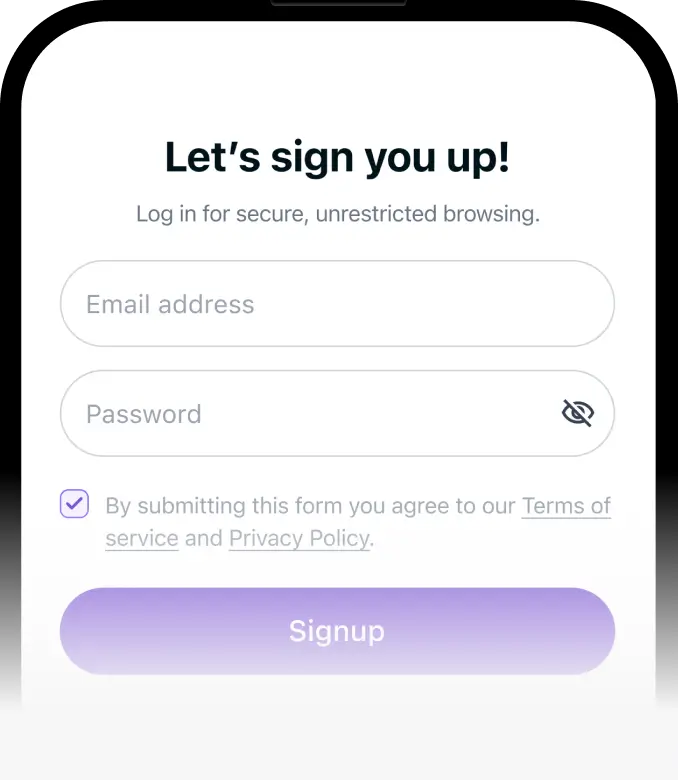
Step 1
Download PureVPN or set it up on your router for console play.



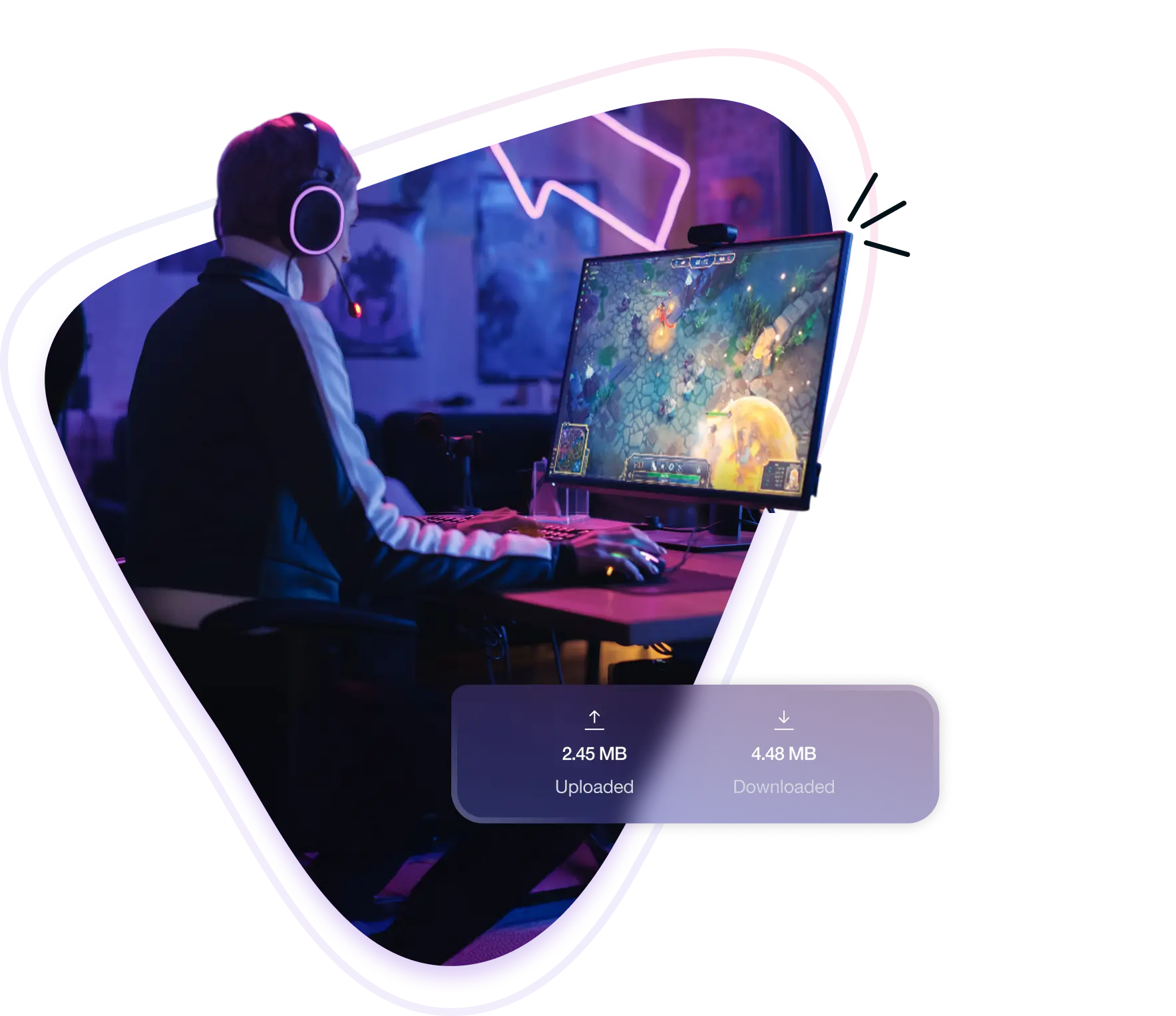
A New World VPN lets you reroute your connection through another country while hiding your IP address. It helps reduce ping and lag, unlock region-locked servers, and keeps you safe against internet attacks during PvP. Whether you’re trying to join friends abroad or play on blocked networks, a VPN gives you more control.
Here’s how a VPN can help you stay competitive in New World:
Large-scale fights like wars or Outpost Rush demand consistent timing. Rerouting your traffic through a more direct path helps reduce lag and ping.
New World only shows servers from the region you’re in. Changing your location lets you access other regions and play where you normally can’t.
School and public Wi-Fi often block game traffic. Connecting through a server in another region helps you get around those restrictions and play freely.
When your real IP is visible, internet threats become a risk. Masking it keeps your connection secure, even during tense PvP or guild conflicts.
Here’s why PureVPN is the go-to VPN for New World players:
No caps, no throttling. Stay connected through long wars, busy trade routes, or overnight crafting without worrying about usage.
Download PureVPN on Windows or macOS to play via Steam, or configure it on your router to cover your console.
Access 6,000+ servers in 65+ countries to access different regions and maintain a consistent route to New World servers.
Change your IP address instantly to avoid repeated targeting or internet attacks during PvP. No reconnecting or restarting needed.
Open the required ports for New World to fix NAT issues and get smoother performance in group play or voice chat.
Get instant help from our support agents at any time—whether you’re setting things up or fixing a connection issue mid-session.
Start playing New World securely by following these steps:
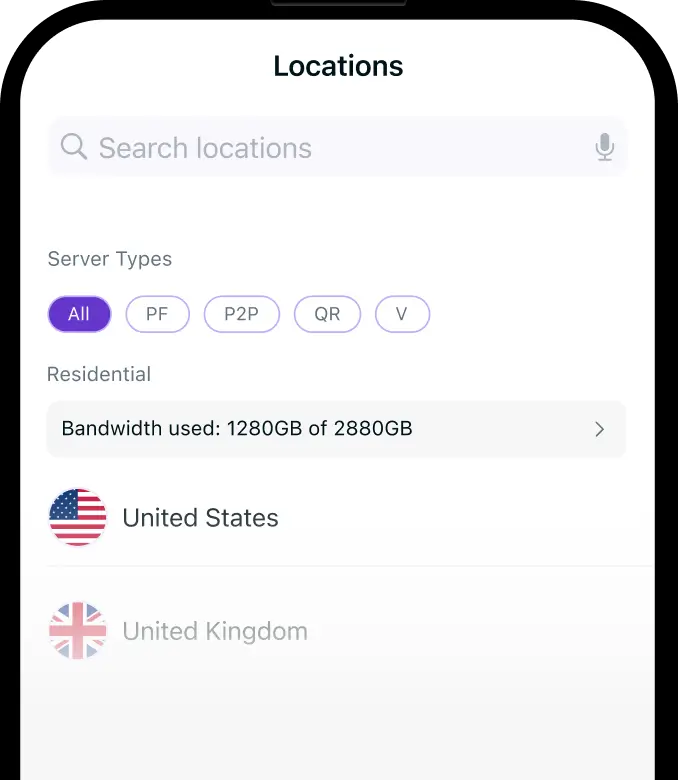

PureVPN lets you play any game, anywhere, with no interruptions. Connect securely, bypass regional barriers, and enjoy a smooth, lag‑free experience across every game.










New World only lets you transfer servers using limited tokens, and even then, you’re restricted to your current region. If you want to play in a different region without using a transfer, connect through a VPN server in that location. This changes how the game sees your location, unlocking access to otherwise hidden server clusters—no token required.


Free VPNs aren’t built for MMORPG. They cap speeds, drop connections, and limit your server options. That means random lag, login issues, and no access when you need it most. If you’re entering a war or trying to switch regions, relying on a free tool usually ends with more frustration than progress.


Yes, New World doesn’t block VPN use. Many players use it to access other regions, avoid network issues, or protect their IP during PvP. As long as you’re not using it to cheat or exploit matchmaking, there’s no issue using a VPN while playing.
Look for a VPN with fast servers, wide region coverage, and features like port forwarding. PureVPN offers all of that, plus the flexibility to play securely across platforms without connection issues or limits. It’s a strong fit for New World’s demanding online environment
Common issues include high ping, incorrect server choice, or NAT conflicts. Try switching to a server closer to the game’s region, enable port forwarding, or restart your router. If you’re playing via console, make sure the VPN is running through your router correctly.
You can change servers using a one-time transfer token, but only within your current region. If you want to access a different region entirely, you’ll need to change your location and connecting through a VPN server in that region makes it possible.