


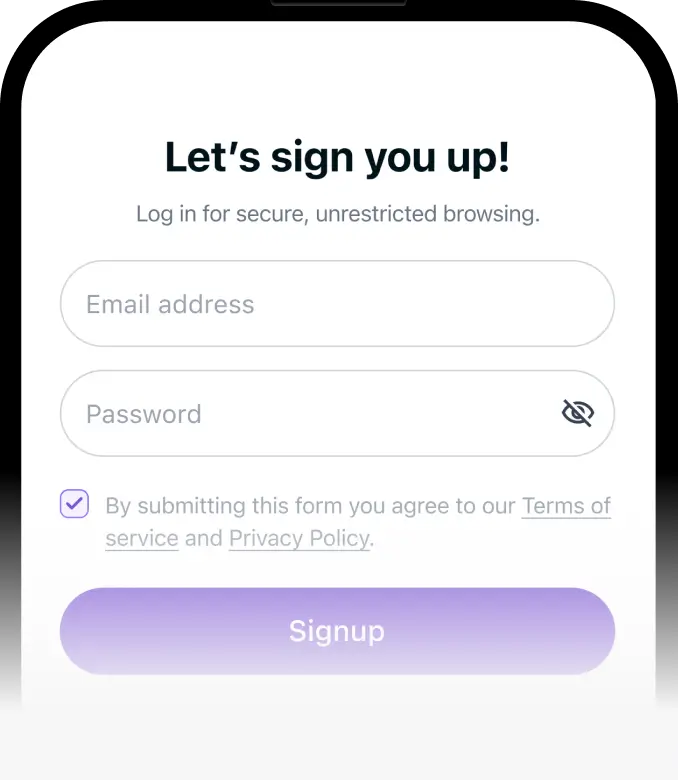
Step 1
Download PureVPN on your iOS and Android device.



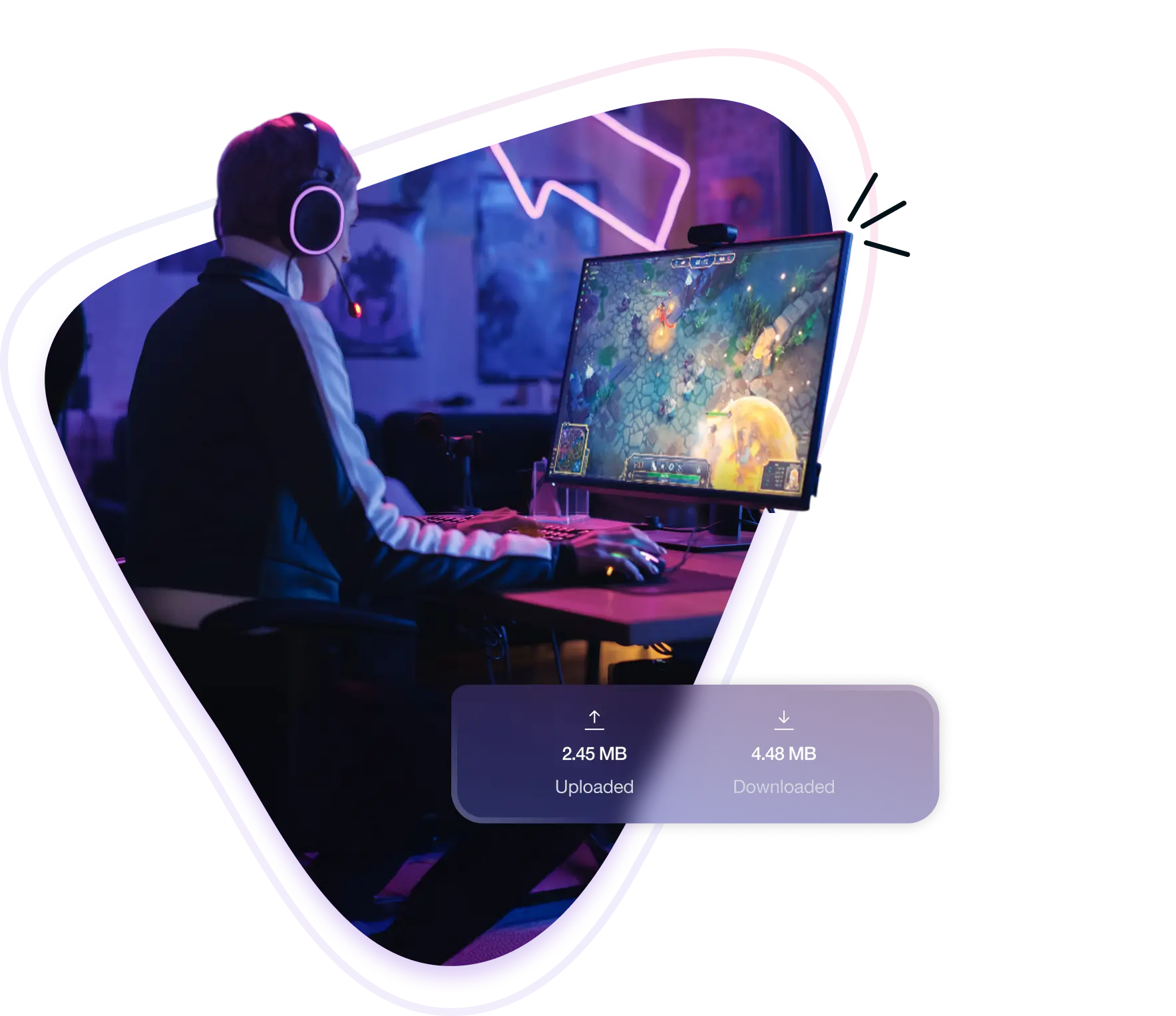
A Wild Rift VPN gives you more control over how you play the game online. It changes your IP address and reroutes your traffic through secure servers, helping you cut down ping during matches, access the game in regions where it’s not officially released, and even play on restricted school or office Wi-Fi.
Here’s how a VPN improves your LoL: Wild Rift experience:
Wild Rift depends on fast reactions. Optimized routing shortens the distance between you and game servers, reducing lag so skill shots and combos land on time.
Want to try different regions? Switch servers to explore new matchmaking pools, experiment with metas, or play with friends overseas.
School or work Wi-Fi often blocks gaming apps. Get around those filters and jump into matches without worrying about where you’re connected.
Wild Rift isn’t available everywhere. Change your virtual location to keep playing on your account while traveling, or unlock it in regions where it’s missing.
Here’s why PureVPN is the go-to VPN for Wild Rift players:
High-speed servers keep your teamfights sharp and responsive, so dodges, combos, and ultimates land exactly when you intend.
Set up PureVPN on Android or iOS in minutes. Connect easily before starting Wild Rift to keep every match smooth, secure, and uninterrupted.
With thousands of servers, you can appear in another region to create a new Riot Games account and access different matchmaking pools.
Secure your connection with high-grade encryption and hide your IP address to keep your Wild Rift sessions private and stable.
Grind ranked ladders, marathon ARAMs, or long co-op sessions without hitting caps. Play Wild Rift for hours with no slowdowns or interruptions.
Facing connectivity or setup problems? Our friendly support team is available around the clock to assist you in fixing it.
Start playing Wild Rift securely by following these steps:

PureVPN lets you play any game, anywhere, with no interruptions. Connect securely, overcome regional barriers, and enjoy a smooth, lag‑free experience across every game.










Wild Rift locks each account to the region where it’s created, which means you can’t freely switch servers in-game. A VPN solves this by letting you appear in another country, where you can register a new Riot Games account tied to that region. This gives you access to different matchmaking pools, new metas, and even lets you team up with friends overseas who are playing on another server.


Free VPNs may seem like a shortcut, but they rarely work well for Wild Rift. Their overloaded servers often cause lag spikes, packet loss, and mid-match disconnects that ruin ranked climbs and casual sessions alike. Many free services also lack proper encryption, which leaves your connection exposed instead of protected. For a competitive game that depends on precision, only a premium VPN can deliver the stable performance and security you actually need.


Yes, you can. Many players use a VPN to reduce lag, switch regions, or unlock the game where it isn’t available. As long as you’re playing fairly and not exploiting the system, using a VPN won’t affect your account.
Yes. Wild Rift ties your account to the region you registered it in. You can’t freely switch servers once it’s created, which is why players use a VPN to appear elsewhere and set up new Riot Games accounts in different regions.
If Wild Rift isn’t available in your country, connect through a VPN to a supported region and create a Riot Games account there. Once registered, you’ll be able to log in and play normally, even if the game isn’t officially released in your location.
Start with basics: use a stable connection, close background apps, and switch to wired connection if possible. If your ISP routes inefficiently, a VPN can sometimes reduce ping by creating a shorter, more direct path to Riot’s Wild Rift servers.
Not directly. Riot locks each Wild Rift account to the region it was created in. To play elsewhere, you’ll need to connect through a VPN, then register a new Riot Games account tied to that region. Progress doesn’t transfer between accounts.
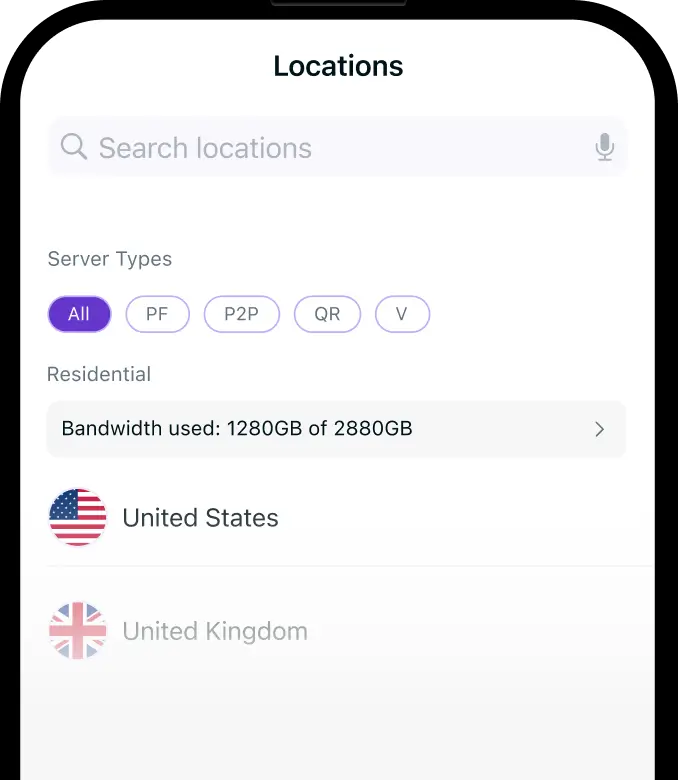
To play on American servers, connect to a U.S. VPN location and create a new Riot Games account there. That account will be permanently tied to the North American region, letting you queue, rank, and play Wild Rift as if you’re based in the U.S.