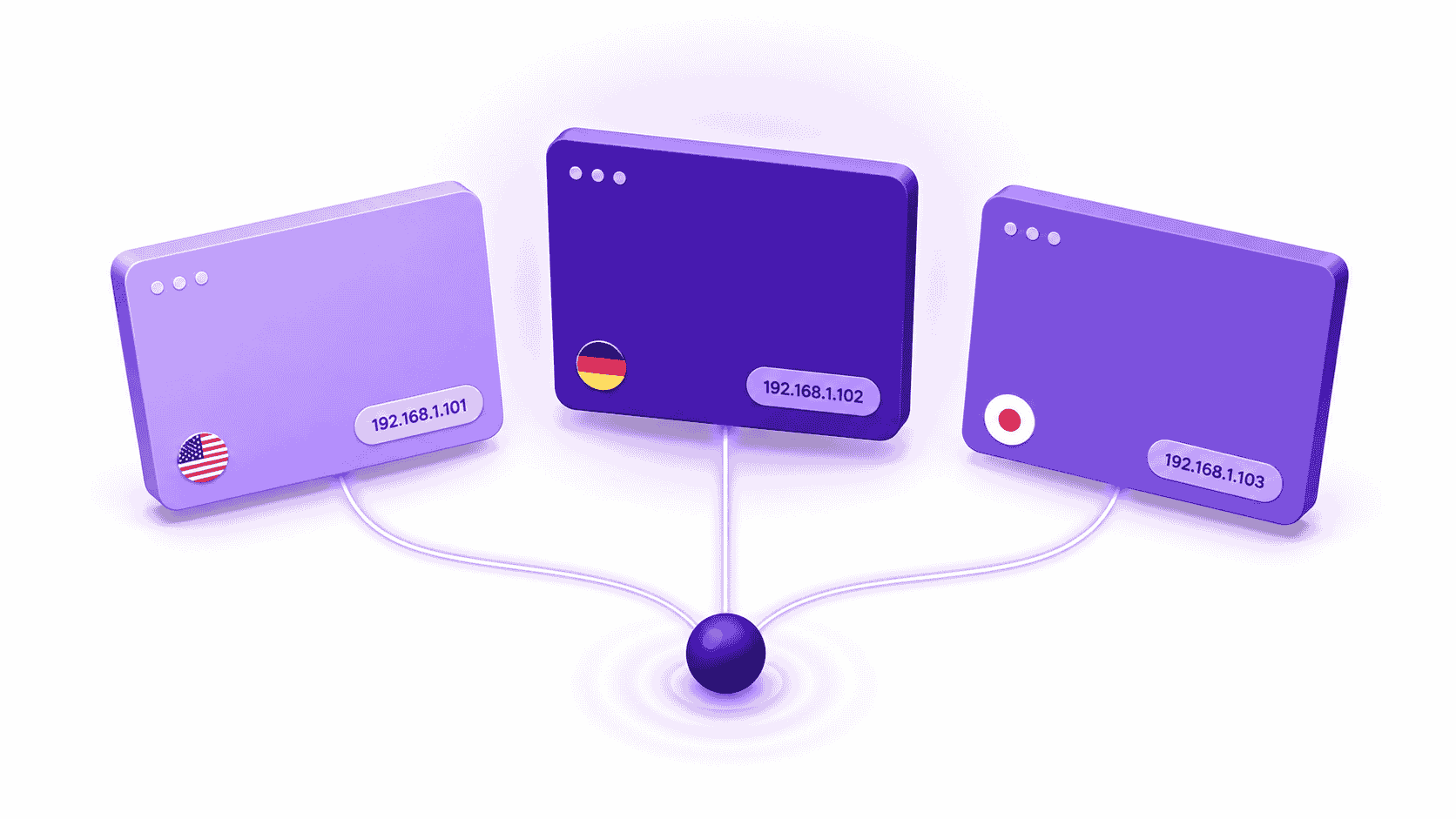
Websites do not serve the same content to every visitor. The price you see, the ad that loads, and the search result that ranks first all depend on where your IP address is registered. Two people opening the same URL at the same moment can see completely different pages.
This is not a bug. It is how the web is built.
How Do Websites Detect Your Location From an IP Address?
The lookup happens before the page loads. When your browser requests a page, the server reads your IP address and queries a geolocation database to resolve it to a country, region, or city. That result determines which version of the page the server returns.
Residential IPs resolve accurately because ISPs register them to specific subscriber locations. Datacenter IPs resolve less precisely and are publicly identifiable as non-residential, which causes many websites to treat them as a separate traffic category entirely.
For a detailed explanation of how per-tab IP routing uses this mechanism, see the full guide to per-tab IP routing.
What Are the Six Ways Websites Serve Different Content by Location?
Six distinct mechanisms drive location-based content differences, and a single page load can trigger all of them at once.
| Mechanism | What Changes | Example |
|---|---|---|
| Geolocation redirect | Entire page or subdomain | amazon.com redirects a UK IP to amazon.co.uk |
| CDN edge caching | Page assets served from nearest node | Frankfurt-cached version differs from New York-cached version |
| Ad targeting | Which creatives load | A UK-targeted ad does not serve to a US IP |
| Price localization | Base price, currency, discounts | Same product priced differently per market |
| Search personalization | Ranking order of results | Same keyword returns different position-1 result by location |
| Tax and currency display | VAT, GST, sales tax applied | SaaS platform shows ex-tax to US IP, inc-VAT to UK IP |
The version a user in Berlin sees can differ from the version a user in Chicago sees across every one of these dimensions at once.
Why Does Requesting From a Single IP Give You Incomplete Data?
The problem is not just what you see. It is when you see it. A single IP address returns one market’s version of a page. That result is accurate for that market and misleading for every other market you are researching.
Single-IP sessions are inherently sequential. You check London, then New York, then Sydney. By the time you reach Sydney, the London data is minutes or hours old. Prices change. Ads go live and pause. Search results shift. The dataset you collect does not reflect any single moment in time.
For a QA engineer, sequential testing means a geo-specific bug can pass the entire test suite because the regional content variant never loads in the test environment. For an ad verification analyst, sequential checks mean a campaign can be active during check one and paused by check eight, producing a delivery report that does not match reality.
Session isolation is the mechanism that solves this. See the full guide to session isolation in Chrome for how it works technically.
Why Do Residential IPs Return Different Data Than Datacenter IPs?
Not all IPs look the same to a web server.
Datacenter IP ranges are publicly documented. AWS, Google Cloud, and Azure publish their IP allocation lists. Website operators import these lists and apply different content rules to traffic originating from them. A datacenter IP in London may resolve to London but still receive a simplified, filtered, or geo-ambiguous response because the server recognizes it as infrastructure traffic rather than user traffic.
A residential IP allocated by a UK ISP to a home subscriber resolves accurately to that subscriber’s city and receives the full commercial content stack: correct pricing, correct ad creatives, correct search rankings.
For web research workflows where accuracy matters, residential IPs are the only input that reflects what real users actually see. See residential IPs for web research for a full breakdown.
What Does Geo-Distorted Data Cost QA and Ad Verification Teams?
For QA engineers, the cost is undetected regional bugs. A test suite running from a single datacenter IP never loads the regional content variant that triggers the bug. The bug ships to production and affects real users in the target market.
For ad verification analysts, the cost is reporting gaps. A 10-market campaign checked sequentially over three hours produces a report with a built-in time variable. Ads active at check one may be paused by check eight. The report shows delivery status at ten different moments, not one.
What Tools Let You Request From Multiple Locations Simultaneously?
Four categories of tools exist for multi-location requests. They differ in granularity, setup complexity, and whether proxies are included.
| Tool Category | Examples | Simultaneous Locations | Proxies Included | Setup Required |
|---|---|---|---|---|
| Per-tab IP routing | IP Per Tab by PureVPN | Yes, per tab | Yes | None |
| Browser-wide proxy switcher | FoxyProxy, SwitchyOmega | No, one location at a time | No | Proxy credentials required |
| Separate browser profiles | Browser profiles vs per-tab proxy | Yes, separate windows | No | Profile setup per location |
| Anti-detect browsers | Multilogin, GoLogin, AdsPower | Yes, separate windows | No | Full application install |
Browser-wide proxy switchers apply one location to the entire browser. Every tab shares the same IP. Switching location affects every tab at once.
IP Per Tab by PureVPN assigns a distinct residential IP to each tab independently. Five tabs can run five different country IPs in the same Chrome window at the same time, with no switching and no separate application.
How Can You Collect Accurate Geo-Specific Data Without Sequential Sessions?
Accurate geo-specific data requires simultaneous requests from residential IPs, one per target location, all active at the same time.
The workflow for a QA engineer using IP Per Tab by PureVPN:
- Open one tab per target market in the same Chrome window.
- Click the IP Per Tab extension icon and select a residential IP from the target country for each tab.
- Navigate each tab to the URL under test.
Each tab connects to PureVPN’s residential proxy network in under three seconds. Each tab loads the full regional content variant served to a real user in that market. All tabs are live at the same time, in the same window, with no switching between tools or sessions.
The difference from browser-wide proxy switchers: changing location in FoxyProxy or SwitchyOmega reloads every open tab under a new IP. IP Per Tab by PureVPN changes one tab without touching the others. A QA engineer can have a UK test tab, a US test tab, and a direct-traffic tab for their local environment open simultaneously, each isolated from the others.
For an ad verification analyst, the same setup means every market’s delivery check reflects the same moment in time, not a three-hour sequential window.
See how to isolate IP addresses across Chrome tabs for the full setup walkthrough. IP Per Tab by PureVPN includes residential proxy bandwidth at 12 GB, 25 GB, and 50 GB monthly tiers.
What Per-Tab IP Routing Does Not Do
Per-tab IP routing assigns a residential IP to each browser tab for geo-accurate content delivery. IP Per Tab by PureVPN does not modify browser fingerprint signals including user agent strings, canvas fingerprints, or WebGL parameters.
Professionals whose workflow requires full fingerprint isolation need a dedicated anti-detect browser for that function. See browser profiles vs per-tab proxy for a comparison of when each approach is appropriate.
IP Per Tab by PureVPN does not provide unlimited bandwidth. Each plan tier includes a fixed GB allowance per month. Tabs set to direct traffic consume no bandwidth from the plan.
Frequently Asked Questions
Websites apply market-specific pricing based on the country your IP address resolves to. Price localization accounts for currency, local purchasing power, regional tax rules, and competitive positioning. The same product carries a different base price, currency display, and tax treatment depending on which country’s residential IP requests the page.
Websites query a geolocation database with your IP address before serving a response. That database maps IP ranges to countries, regions, and cities based on allocation records from regional internet registries. The lookup completes before the server decides which content variant to return.
Ad platforms target delivery by the registered market of the requesting IP address. An ad approved for the UK market will not serve to a request from a US residential IP.
A residential IP is allocated by an ISP to a home subscriber and resolves to a specific city with high accuracy. A datacenter IP is allocated to cloud infrastructure and is publicly identifiable as non-residential.
A VPN operates at the network interface level and routes all device traffic through a single exit node. Every tab, every application, and every request shares the same IP address.
QA engineers assign a residential IP from each target market to a separate browser tab using IP Per Tab. Each tab loads the full regional content variant served to a real user in that market. The engineer reproduces geo-specific bugs, verifies regional pricing, and confirms content gating behavior across multiple markets in a single session.
Closing
Sequential sessions give you sequential snapshots. A pricing check, an ad delivery report, or a geo-specific bug test built from single-IP requests reflects one location at a time, never the full picture at once.
IP Per Tab by PureVPN makes location a per-tab property of the browser you already use. Every tab gets its own residential IP. Every market loads simultaneously. No proxy configuration. No separate browser.
Start with IP Per Tab by PureVPN — plans from 12 GB per month.

Arsalan Rashid

September 4, 2026

16 hours ago